
使用 CSS3 调整图像饱和度
cssweb developmentfront end technology更新于 2024/11/20 2:20:17
要使用 CSS3 调整图像饱和度,请使用 filter 属性的 saturate 属性值。
示例
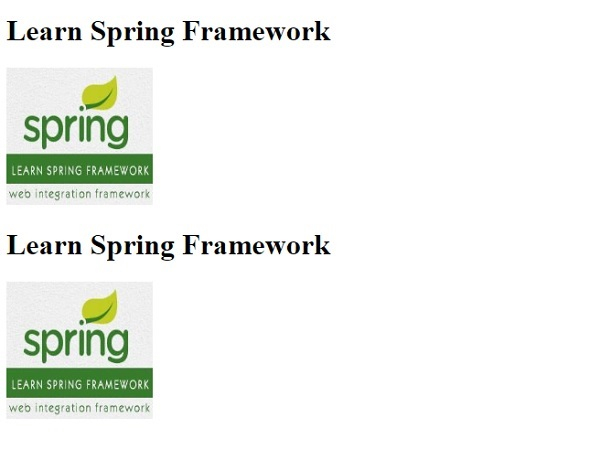
让我们看一个调整图像饱和度的示例 −
<!DOCTYPE html>
<html>
<head>
<style>
img.demo {
   filter: saturation(500%);
}
</style>
</head>
<body>
<h1>Learn Spring Framework</h1>
<img src="https://www.cainiaomax.com/spring/images/spring-mini-logo.jpg" alt="Spring Framework" width="160" height="150">
<h1>Learn Spring Framework</h1>
<img class="demo" src="https://www.cainiaomax.com/spring/images/spring-mini-logo.jpg" alt="Spring Framework" width="160" height="150">
</body>
</html>
输出
相关文章
有用资源
css 参考教程 - 该教程包含有关 css 的更多信息:https://www.cainiaomax.com/css/

