
使用 CSS pointer-events 属性控制是否允许鼠标和触摸
cssweb developmentfront end technology更新于 2024/8/27 19:56:17
使用 CSS pointer-events 属性,我们可以控制元素上是否允许鼠标和触摸。
CSS pointer-events 属性的语法如下 −
pointer-events: auto|none;
以上,
auto 为默认值。元素会对指针事件做出反应,而
none: 元素不会对指针事件做出反应
示例
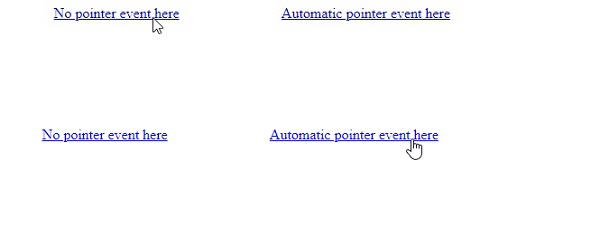
以下示例说明了 CSS pointer-events 属性。
<!DOCTYPE html>
<html>
<head>
<style>
a {
   margin: 10vh;
   pointer-events: none;
}
a:last-of-type {
   pointer-events: auto;
}
</style>
</head>
<body>
<a href=#>No pointer event here</a>
<a href=#>Automatic pointer event here</a>
</body>
</html>
输出
这将产生以下结果 −
示例
<!DOCTYPE html>
<html>
<head>
<style>
select {
   margin: 10vh;
   pointer-events: none;
   background-color: mistyrose;
}
</style>
</head>
<body>
<select>
<option>No event here </option>
<option>a</option>
<option>b</option>
<option>c</option>
</select>
</body>
</html>
输出
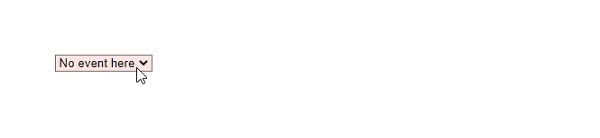
这将产生以下结果 −
相关文章
有用资源
css 参考教程 - 该教程包含有关 css 的更多信息:https://www.cainiaomax.com/css/

