
使用 HTML 和 CSS 创建包含侧边栏和主要内容区域的页面
cssweb developmentfront end technology更新于 2024/9/5 16:12:17
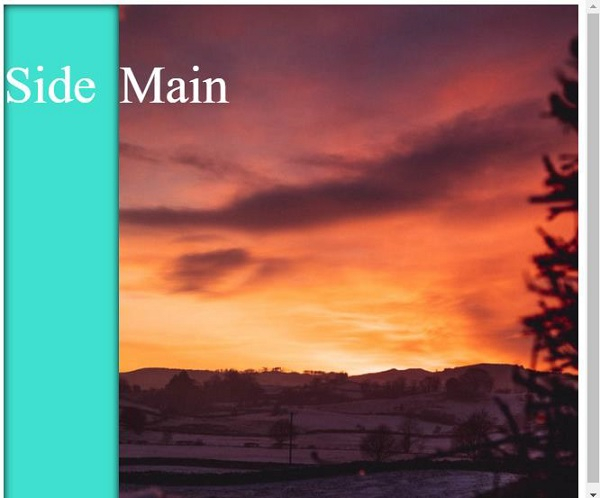
通过将 html 和 body 的大小设置为 100%,可以创建包含流动侧边栏和主要内容区域的网页。
以下示例对此进行了说明。
示例
<!DOCTYPE html>
<html>
<head>
<style>
html,body {
   height: 100%;
   color: white;
   font-size: 2em;
   line-height: 200px;
}
#parent {
   display: table;
   width: 100%;
   height: 100%;
}
#side {
   display: table-cell;
   background-color: turquoise;
   width: 20%;
   vertical-align: top;
   box-shadow: inset 0 0 10px black;
}
#main {
   display: table-cell;
   width: 80%;
   background: url("https://images.unsplash.com/photo-1611944444060- b50a1d80cfe6?crop=entropy&cs=tinysrgb&fit=crop&fm=jpg&h=800&ixlib=rb1.2.1&q=80&w=600");
}
</style>
</head>
<body>
<div id="parent">
<div id="side">Side</div>
<div id="main">Main</div>
</div>
</body>
</html>
输出
这将产生以下结果 −
相关文章
有用资源
css 参考教程 - 该教程包含有关 css 的更多信息:https://www.cainiaomax.com/css/

