
CSS scroll-behavior 属性
cssweb developmentfront end technology更新于 2024/11/5 4:28:17
scroll-behavior 属性用于设置滚动行为。我们可以为 scroll-behavior 属性设置以下不同的属性值 −
scroll-behavior: auto|smooth|initial|inherit;
示例
现在让我们看一个实现 sroll-behavior 属性的示例 −
<!DOCTYPE html>
<html>
<head>
<style>
html {
   scroll-behavior: smooth;
}
#area1 {
   height: 400px;
   background-color: red;
}
#area2 {
   height: 600px;
   background-color: orange;
}
#area3 {
   height: 550px;
   background-color: magenta;
}
</style>
</head>
<body>
<h1>Demo Heading</h1>
<div class="main" id="area1">
<h2>Section 1</h2>
<a href="#area2">Reach Section 2</a>
</div>
<div class="main" id="area2">
<h2>Section 2</h2>
<a href="#area3">Reach Section 3</a>
</div>
<div class="main" id="area3">
<h2>Section 3</h2>
<a href="#area1">Reach Section 1</a>
</div>
</body>
</html>
输出
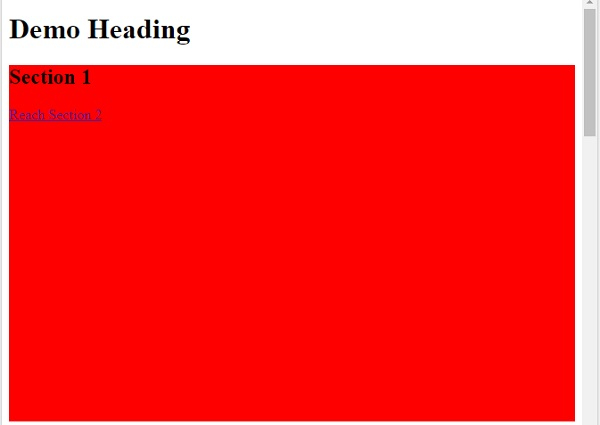
现在,点击"到达第 2 部分"减号
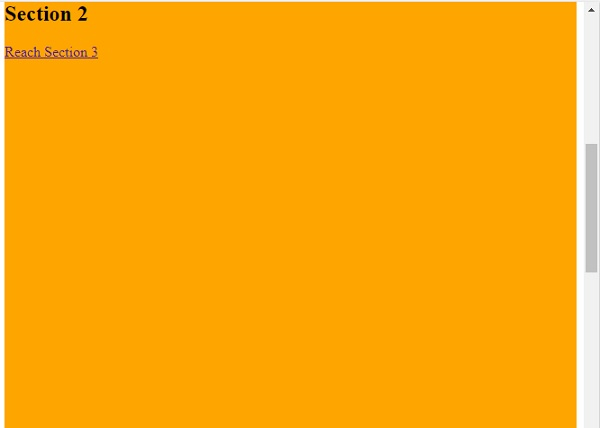
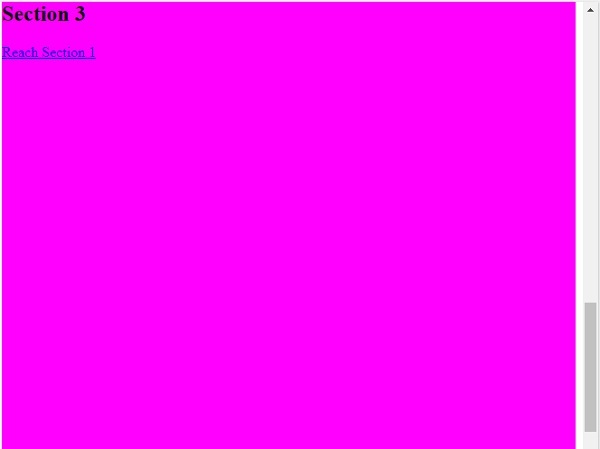
现在,点击"到达第 3 部分"即可平滑滚动到第 3 部分 −
相关文章
有用资源
css 参考教程 - 该教程包含有关 css 的更多信息:https://www.cainiaomax.com/css/

