
使用原生 JavaScript 在单击按钮时显示 div 元素上的数组项
javascriptweb developmentobject oriented programming更新于 2025/9/25 4:28:17
要将数组的元素嵌入 div 中,我们只需遍历数组并不断将元素附加到 div
可以像这样完成 −
示例
const myArray = ["stone","paper","scissors"];
const embedElements = () => {
   myArray.forEach(element => {
      document.getElementById('result').innerHTML +=
      `<div>${element}</div><br />`;
      // 此处 result 是 DOM 中存在的 div 的 id
   });
};
此代码假设我们想要在其中显示数组元素的 div 具有 id ‘result’。
完整的代码如下 −
示例
<!DOCTYPE html>
<html lang="en">
<head>
<meta charset="UTF-8">
<meta name="viewport" content="width=device-width, initial-scale=1.0">
<title>Document</title>
</head>
<body>
   <div id="result"></div>
   <button onclick="embedElements()">Show Data</button>
<script>
{
   const myArray = ["stone","paper","scissors"];
   function embedElements(){
      myArray.forEach(el => {
         document.getElementById('result').innerHTML +=`<div>${el}</div><br />`;
         // here result is the id of the div present in the dom
      });
   };
}
</script>
</body>
</html>
输出
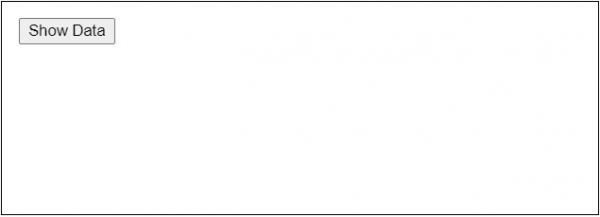
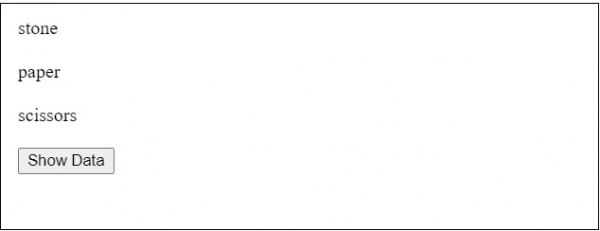
单击"显示数据"按钮后,将显示以下内容 −
相关文章
有用资源
javascript 参考教程 - 该教程包含有关 javascript 的更多信息:https://www.cainiaomax.com/javascript/

