
CSS 中的分组选择器
cssweb developmentfront end technology更新于 2025/2/6 11:24:17
CSS 分组选择器用于选择多个元素并将它们一起设置样式。这减少了代码量,并减少了为每个元素声明通用样式的额外工作量。要对选择器进行分组,每个选择器之间用空格分隔。
语法
CSS 分组选择器的语法如下 −
element, element {
   /*declarations*/
}
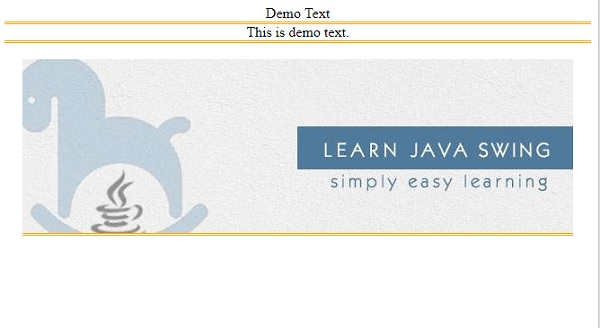
以下示例演示了 CSS 分组选择器 −
示例
<!DOCTYPE html>
<html>
<head>
<style>
article, p, img {
   display: block;
   margin: auto;
   text-align: center;
   border-bottom: double orange;
}
</style>
</head>
<body>
<article>Demo Text</article>
<p>This is demo text.</p>
<br/>
<img src="https://www.cainiaomax.com/swing/images/swing.jpg">
</body>
</html>
输出
这将给出以下输出 −
示例
<!DOCTYPE html>
<html>
<head>
<style>
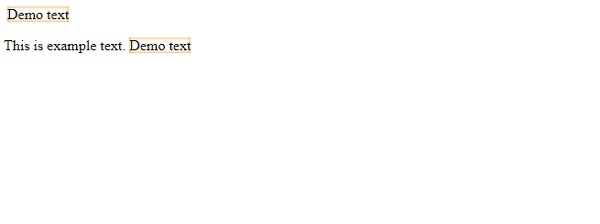
div::after,p::after{
   content: "Demo text";
   margin: 4px;
   box-shadow: inset 0 0 4px darkorange;
}
</style>
</head>
<body>
<div></div>
<p>This is example text.</p>
</body>
</html>
输出
这将给出以下输出 −
相关文章
有用资源
css 参考教程 - 该教程包含有关 css 的更多信息:https://www.cainiaomax.com/css/

