
如何使用 JavaScript 检查复选框是否被选中?
javascriptfront end scriptsobject oriented programming更新于 2025/11/26 16:12:17
使用 JavaScript 检查复选框是否被选中,代码如下 −
示例
<!DOCTYPE html>
<html>
<head>
<h1>Displaying textBox when a checkbox is checked</h1>
Checkbox: <input type="checkbox" class="check" onclick="checkFunction()" />
<h2 class="textBox" style="display:none">Checkbox is checked!!!</h2>
<script>
   document.querySelector(".check").addEventListener("click", checkFunction);
   function checkFunction() {
      var checkBox = document.querySelector(".check");
      var textBox = document.querySelector(".textBox");
      if (checkBox.checked == true) {
         textBox.style.display = "block";
      } else {
         textBox.style.display = "none";
      }
   }
</script>
</body>
</html>
输出
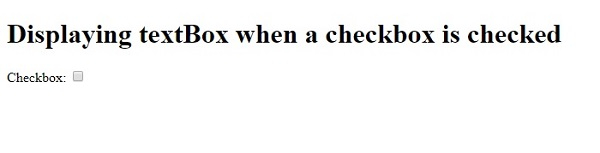
这将产生以下输出 −
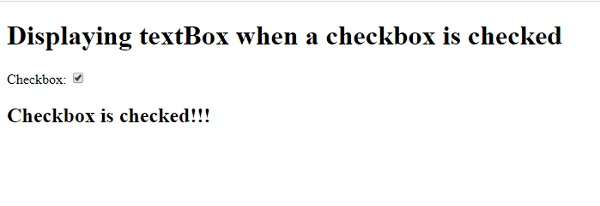
单击复选框 −
有用资源
javascript 参考教程 - 该教程包含有关 javascript 的更多信息:https://www.cainiaomax.com/javascript/

