
如何在 CSS 中创建视差滚动效果
cssweb developmentfront end technology更新于 2024/9/4 3:56:17
通过为背景和前景内容指定不同的速度,我们可以使用 CSS 创建视差滚动效果。
以下示例展示了 CSS 视差滚动效果 −
示例
<!DOCTYPE html>
<html>
<head>
<style>
body, html {
   height: 100%;
   text-align: center;
}
.example {
   height: 100%;
   background-attachment: fixed;
   background-position: center;
   background-repeat: no-repeat;
   background-size: cover;
}
#demo {
   background: url("https://images.unsplash.com/photo-1612698565524- 1101522e9a21?crop=entropy&cs=tinysrgb&fit=crop&fm=jpg&h=600&ixlib=rb1.2.1&q=80&w=800");
}
#dist {
   height:150px;
   background-color: rgba(102,234,99,0.5);
   padding: 2%;
}
#d2 {
   background: url("https://images.unsplash.com/photo-1611489473774-5d881f1153f1?crop=entropy&cs=tinysrgb&fit=crop&fm=jpg&h=600&ixlib=rb1.2.1&q=80&w=800");
}
</style>
</head>
<body>
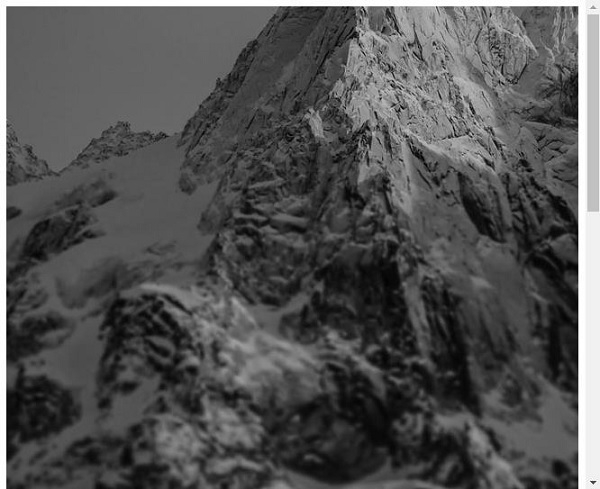
<div id="demo" class="example"></div>
<div id="dist">
Sed a porttitor enim. Integer euismod dui massa, at posuere sem fermentum at. Fusce vehicula
fringilla tortor, ut mattis sapien tristique ac. Phasellus eleifend malesuada orci, et facilisis arcu
egestas vel. Duis in tempus libero. Nunc nibh arcu, tempus quis lectus ut, blandit tincidunt felis. Suspendisse potenti.
</div>
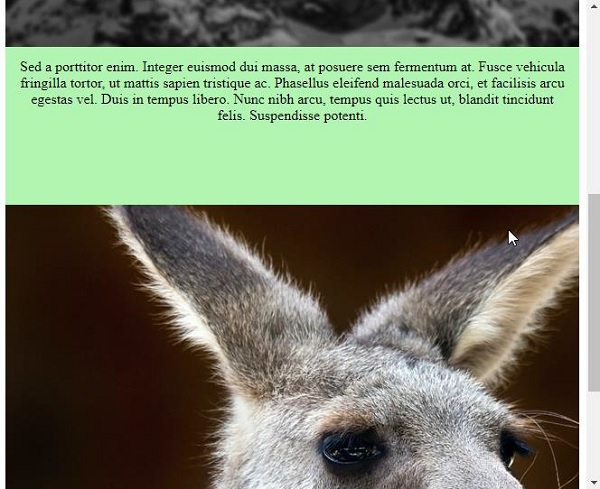
<div id="d2" class="example"></div>
</body>
</html>
输出
这将产生以下结果 −
相关文章
有用资源
css 参考教程 - 该教程包含有关 css 的更多信息:https://www.cainiaomax.com/css/

