
如何使用JavaScript检测浏览器是否在线或离线?
javascriptweb developmentobject oriented programming更新于 2025/12/3 13:00:17
使用JavaScript检测浏览器是否在线或离线,代码如下 −
示例
<!DOCTYPE html>
<html>
<body>
<h1>Online or offline with JavaScript example</h1>
<h2>Click the button below to check if you are online or not</h2>
<button onclick="checkOnlineOffline()">Check online/offline</button>
<h2 class="sample"></p>
<script>
   function checkOnlineOffline() {
      if(navigator.onLine===true){
         document.querySelector('.sample').innerHTML = "You are connected to internet"
      } else {
         document.querySelector('.sample').innerHTML = "You are not connected to internet"
      }
   }
</script>
</body>
</html>
输出
上述代码将产生以下输出 −
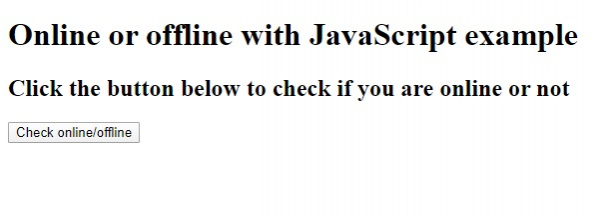
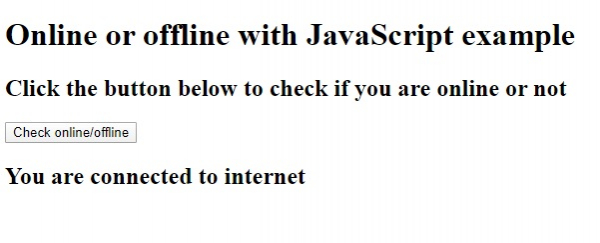
点击“检查在线/离线”按钮 −
相关文章
有用资源
javascript 参考教程 - 该教程包含有关 javascript 的更多信息:https://www.cainiaomax.com/javascript/

