
如何使用 CSS 在悬停时显示元素?
cssweb developmentfront end technology更新于 2025/11/27 13:32:17
要使用 CSS 在悬停时显示元素,代码如下: −
示例
<!DOCTYPE html>
<html>
<head>
<style>
   body{
      margin:20px;
      padding:20px;
      font-family: 'Segoe UI', Tahoma, Geneva, Verdana, sans-serif;
   }
   .hiddenText {
      display: none;
   }
   .hoverDiv:hover + .hiddenText {
      display: block;
      color: rgb(71, 0, 65);
      font-size: 22px;
      font-weight: bold;
   }
</style>
</head>
<body>
<h1>Display an Element on Hover Example</h1>
<div class="hoverDiv" style="font-size: 18px;">Hover over me.</div>
<div class="hiddenText">This text is shown by hovering on the above div</div>
</body>
</html>
输出
上述代码输出结果如下 −
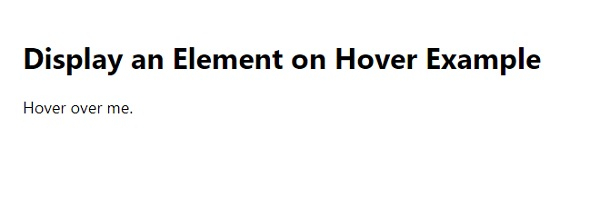
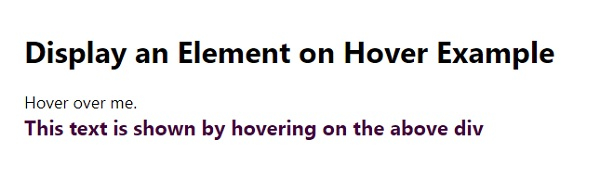
鼠标悬停在"Hover over me"文本上时 −
相关文章
有用资源
css 参考教程 - 该教程包含有关 css 的更多信息:https://www.cainiaomax.com/css/

