如何在 PowerShell 中从别名获取/解析命令?
powershellmicrosoft technologiessoftware & coding
要从给定的别名解析命令名称,您需要使用以下命令。
$Alias:AliasName
例如:
$Alias:dir
或
$Alias:ls
输出
Get-ChildItem
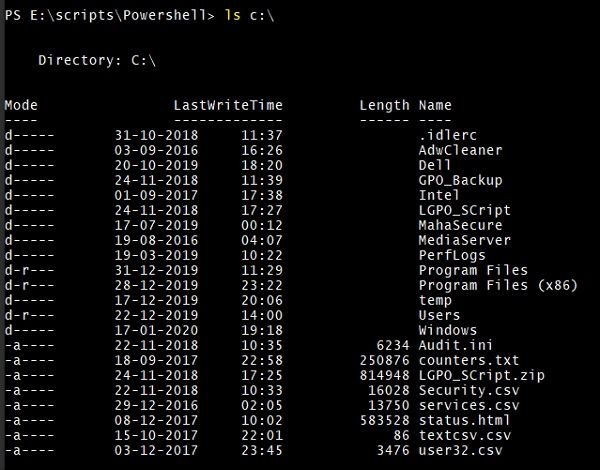
这意味着上述命令将提供相同的结果。例如,以下命令的输出将保持不变。
Get-ChildItem C:\
Dir C:\
ls C
输出
您也可以使用 Get-Alias 来解析别名。例如:
Get-Alias -Name dir

Get-Alias -Name ls

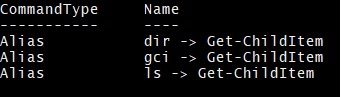
到目前为止,我们需要记住别名才能获取命令,并且我们运行单独的命令来获取别名及其对应的命令。可以获取给定命令的所有别名。 获取 Get-ChildItem 的所有别名。
Get-Alias | where {$_.Definition -eq "Get-ChildItem"}
输出
Get-Alias | where {$_.Definition -eq "Get-Content"}
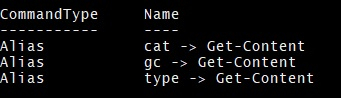
输出