
JavaScript Cursor 属性
javascriptweb developmentobject oriented programming更新于 2025/12/1 17:16:17
cursor 属性设置或返回将为 cursor 属性显示的光标类型。
以下是实现 JavaScript Cursor 属性的代码 −
示例
<!DOCTYPE html>
<html>
<head>
<style>
   body {
      font-family: "Segoe UI", Tahoma, Geneva, Verdana, sans-serif;
   }
</style>
</head>
<body>
<h1>JavaScript Cursor property</h1>
<p class="sample"></p>
<h3>
Hover the mouse over the above paragraph after clicking the below button
</h3>
<button class="Btn">Change Cursor</button>
<script>
   let sampleEle = document.querySelector(".sample");
   document.querySelector(".Btn").addEventListener("click", () => {
      sampleEle.style.cursor = "crosshair";
});
</script>
</body>
</html>
输出
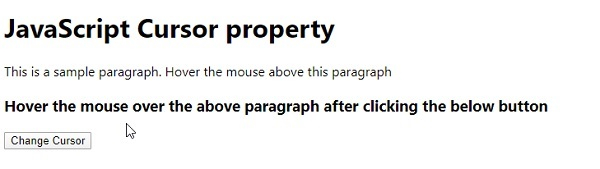
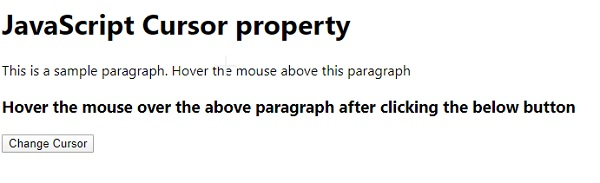
点击“更改光标”按钮 −
相关文章
有用资源
javascript 参考教程 - 该教程包含有关 javascript 的更多信息:https://www.cainiaomax.com/javascript/

