
使用 CSS3 实现多重过渡
cssweb developmentfront end technology更新于 2025/12/10 20:28:17
对于多重过渡,请使用 CSS3 transition 属性,这是一个简写属性。它只需一行代码即可设置过渡的属性、持续时间、时间和延迟时间。
以下是使用 CSS3 实现多重过渡的代码 −
示例
<!DOCTYPE html>
<html>
<head>
<style>
.container div {
   width: 300px;
   height: 100px;
   border-radius: 1px;
   background: rgb(25, 0, 255);
   border: 2px solid red;
   transition: width 2s, border-radius 2s;
}
.container:hover div {
   width: 100px;
   border-radius: 50%;
}
</style>
</head>
<body>
<h1>Multiple transitions example</h1>
<div class="container">
<div></div>
</div>
<h2>
Hover over the above div to reduce its width and to change it into circle
</h2>
</body>
</html>
输出
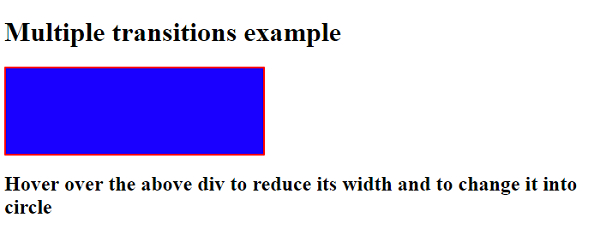
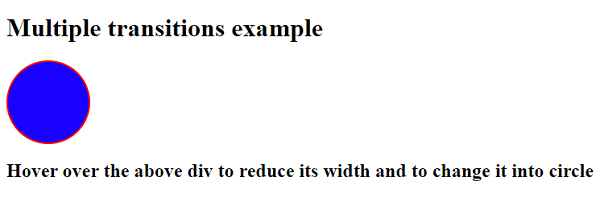
上述代码将产生以下输出 −
相关文章
有用资源
css 参考教程 - 该教程包含有关 css 的更多信息:https://www.cainiaomax.com/css/

