
使用 OpenCV 读取图像并使用 Tkinter 显示它
tkinterpythongui-programming更新于 2025/5/19 16:44:17
OpenCV 是 Python 中的一个开源计算机视觉库,广泛用于人工智能和机器学习的研究目的。OpenCV 等计算机视觉库处理图像。我们可以使用OpenCV读取图像并进一步将其用于开发。
假设我们想要创建一个使用OpenCV读取图像并将其显示在窗口中的应用程序。
使用以下命令安装OpenCV −
pip install opencv-python
接下来,按照下面给出的步骤 −
在环境中安装OpenCV并使用import cv2导入库。
导入NumPy 和PIL (Pillow包)进行图像计算。
使用 imread(image_location)加载图像函数。
使用 split(image) 函数分割图像的 RGB 颜色。
使用 merge(rgb) 函数合并图像颜色。
将多维矩阵转换为图像。
使用 PhotoImage(image= file) 函数转换给定的图像。
初始化标签并显示图像。
示例
#导入 tkinter 库
from tkinter import *
import numpy as np
import cv2
from PIL import Image, ImageTk

#创建 tkinter 框架实例
win = Tk()
win.geometry("700x550")
#加载图像
img = cv2.imread('tutorialspoint.png')

#重新排列颜色
blue,green,red = cv2.split(img)
img = cv2.merge((red,green,blue))
im = Image.fromarray(img)
imgtk = ImageTk.PhotoImage(image=im)

#创建一个标签来显示图像
Label(win, image= imgtk).pack()
win.mainloop()
输出
运行上述代码将在窗口中加载并显示图像。
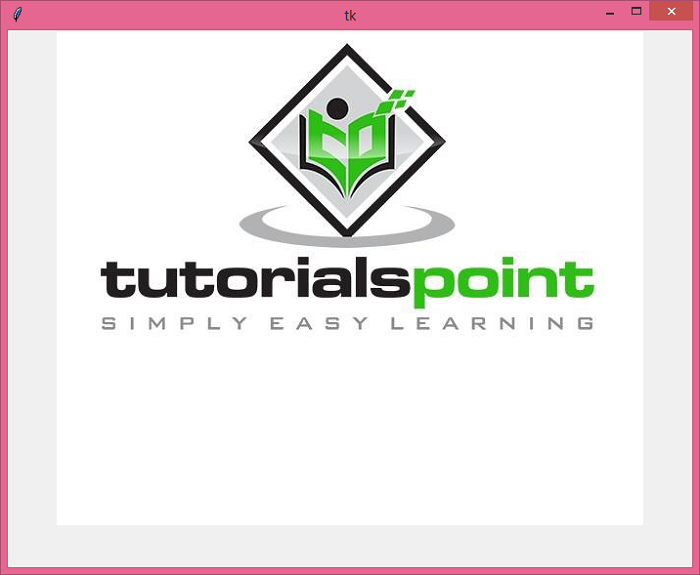
确保图像 'tutorialspoint.png' 与程序位于同一文件夹中。
相关文章
有用资源
python 参考教程 - 该教程包含有关 python 的更多信息:https://www.cainiaomax.com/python/

