
使用 Matplotlib 将 iPython 笔记本中的图形另存为文件
pythonmatplotlibserver side programmingprogramming更新于 2025/3/26 15:08:17
要将 iPython 中的图形另存为文件,我们可以采取以下步骤−
- 创建新图形或激活现有图形。
- 使用 add_axes() 方法向图形添加轴。
- 绘制给定的列表。
- 使用 savefig() 方法保存绘图。
示例
从 matplotlib 导入 pyplot 作为 plt
plt.rcParams["figure.figsize"] = [7.00, 3.50]
plt.rcParams["figure.autolayout"] = True
fig = plt.figure()
ax = fig.add_axes([1, 1, 1, 1])
plt.plot([1, 2])
plt.savefig('test.png', bbox_inches='tight')
输出
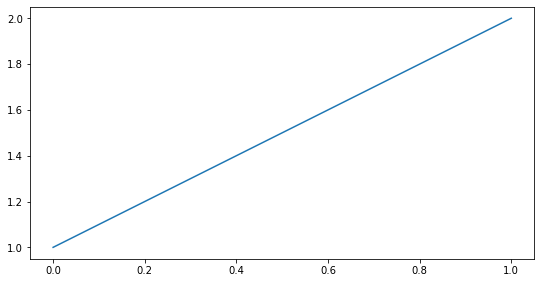
当我们执行代码时,它会将以下图保存为"test.png"。
相关文章
有用资源
python 参考教程 - 该教程包含有关 python 的更多信息:https://www.cainiaomax.com/python/

