
以极高的质量在 Python 中保存图像
matplotlibserver side programmingprogrammingpython更新于 2024/9/7 8:44:17
要以极高的质量在 Python 中保存图像,您需要遵循下面给出的步骤 −
使用 subplots 方法创建 fig 和 ax 变量,其中默认 nrows 和 ncols 为 1。
使用 plot() 方法绘制线条。
我们可以使用 ylabel() 和 xlabel() 添加轴标签。
要获得高质量的图像,我们可以使用 .eps 图像格式。
您可以增加每英寸点数的值,即 dpi。
使用 savefig() 方法,我们可以在本地保存图像。
要显示图形,请使用plt.show()。
示例
import matplotlib.pyplot as plt

fig, ax = plt.subplots()

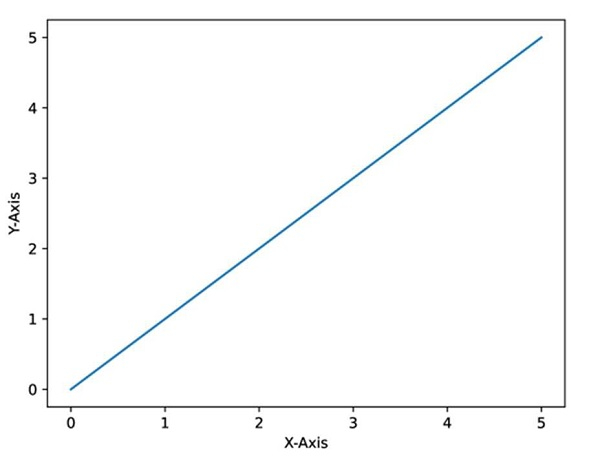
plt.plot([0, 5], [0, 5])

plt.ylabel("Y-axis ")
plt.xlabel("X-axis ")

image_format = 'eps' # e.g .png, .svg, etc.
image_name = 'myimage.eps'

fig.savefig(image_name, format=image_format, dpi=1200)
输出
相关文章
有用资源
python 参考教程 - 该教程包含有关 python 的更多信息:https://www.cainiaomax.com/python/

