
将 Matplotlib 图形以全屏方式显示到图像中
matplotlibpythondata visualization更新于 2025/4/18 6:36:17
要将 matplotlib 图形以全屏方式显示,我们可以使用 full_screen_toggle() 方法。
步骤
使用 figure() 方法创建图形或激活现有图形。
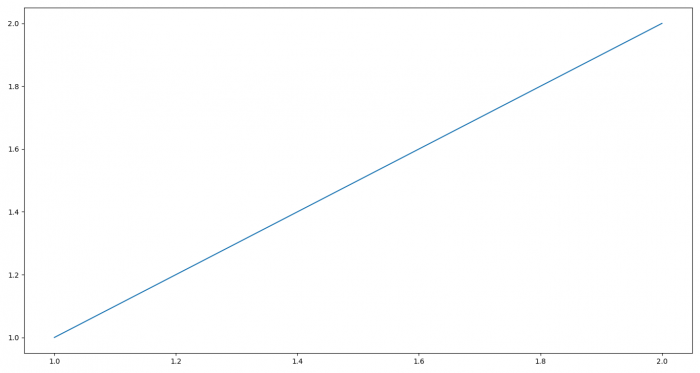
使用两个列表绘制一条线。
返回当前图形的图形管理器。
要切换全屏图像,请使用 full_screen_toggle() 方法。
要显示图形,请使用 show() 方法。
示例
from matplotlib import pyplot as plt
plt.rcParams["figure.figsize"] = [7.00, 3.50]
plt.rcParams["figure.autolayout"] = True
plt.figure()
plt.plot([1, 2], [1, 2])
manager = plt.get_current_fig_manager()
manager.full_screen_toggle()
plt.show()
输出
相关文章
有用资源
python 参考教程 - 该教程包含有关 python 的更多信息:https://www.cainiaomax.com/python/

