
五款最佳 Linux 文本编辑器
文本编辑器是一种用于编辑简单文本记录的程序。这类程序通常被称为"记事本",以纪念微软的 Notepad。本文将介绍"五款最佳 Linux 文本编辑器"
Vi 编辑器
Vim 是一款预装的文本编辑器,与 Vi 兼容。它可以用于编辑各种纯文本。它对于增强软件包的功能极其有用。
要打开 Vi 编辑器,请使用以下命令 –
$vi
示例输出应如下所示
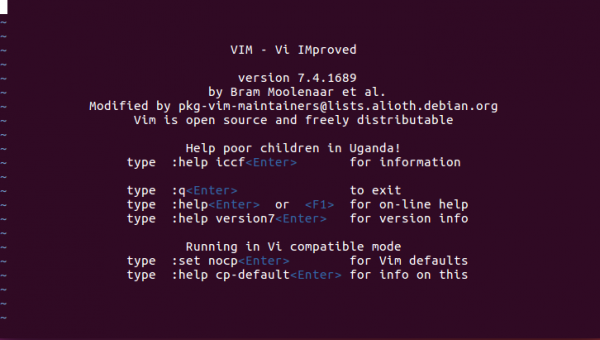
要获取有关 Vi 编辑器的更多信息,请使用以下命令 –
$ vi --help
示例输出应如下所示 –
VIM - Vi IMproved 7.4 (2013 Aug 10, compiled Nov 24 2016 16:44:48)

usage: vim [arguments] [file ..] edit specified file(s)
or: vim [arguments] - read text from stdin
or: vim [arguments] -t tag edit file where tag is defined

Arguments:
--               Only file names after this
-v               Vi mode (like "vi")
-e               Ex mode (like "ex")
-E               Improved Ex mode
-s               Silent (batch) mode (only for "ex")
-y               Easy mode (like "evim", modeless)
-R               Readonly mode (like "view")
-Z               Restricted mode (like "rvim")
-m               Modifications (writing files) not allowed
-M               Modifications in text not allowed
-b               Binary mode
-C               Compatible with Vi: 'compatible'
-N               Not fully Vi compatible: 'nocompatible'
-V[N][fname]     Be verbose [level N] [log messages to fname]
-n               No swap file, use memory only
-r               List swap files and exit
-r (with file name)Recover crashed session
-LSame as -r
-T    Set terminal type to
--not-a-termSkip warning for input/output not being a terminal
-u             Use instead of any .vimrc
--nopluginDon't load plugin scripts
-p[N]         Open N tab pages (default: one for each file)
-o[N]         Open N windows (default: one for each file)
-O[N]         Like -o but split vertically
+             Start at end of file
+             Start at line
--cmd Execute before loading any vimrc file
-c Execute after loading the first file
-S Source file after loading the first file
-s Read Normal mode commands from file
-w Append all typed commands to file
-W Write all typed commands to file
-h or --helpPrint Help (this message) and exit
--versionPrint version information and exit
Nano 编辑器
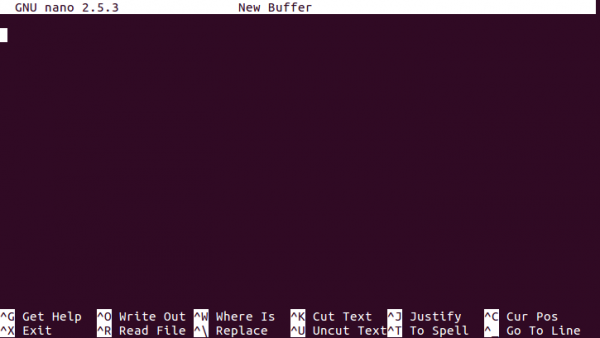
Nano 是一款小巧、免费且好用的编辑器,旨在取代 Pine 付费软件包中的默认编辑器 percent。除了沿用 percent 的外观和风格之外,nano 还实现了 Pico 编辑器的一些缺陷。
要打开 nano 编辑器,请使用以下命令 –
$ nano
示例输出如下
Sublime Text 编辑器
Sublime Text 是一款通用的文本编辑器,可用于编写代码、标记和散文。您一定会喜欢它流畅的用户界面、出色的功能和强大的性能。
要安装 Sublime Text 编辑器,请使用以下命令 –
$ sudo add-apt-repository ppa:webupd8team/sublime-text-3
$ sudo apt-get update
$ sudo apt-get install sublime-text-installer
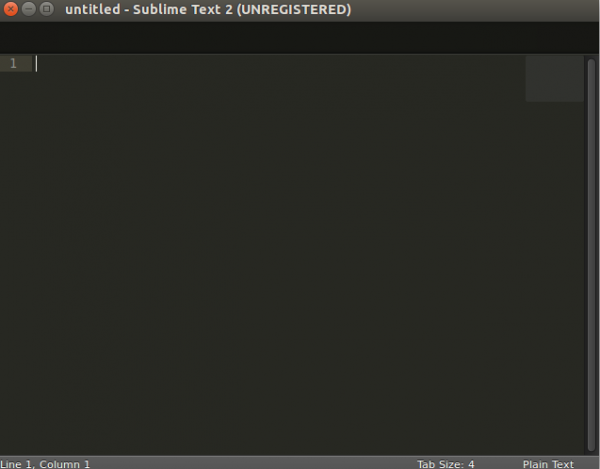
要打开 Sublime Text 编辑器,请使用以下命令 –
$ subl
示例输出应如下所示
想了解更多关于 Sublime Text 编辑器的信息,请阅读这篇文章
Gedit 文本编辑器
Gedit 是 GNOME 桌面环境的默认文本编辑器,也是 GNOME 核心功能的一部分。Gedit 是一款符合标准逻辑的文本编辑器,注重简洁易用,拥有简洁易用的 GUI,这与 GNOME 项目的理念相符。它包含一些用于修改源代码和结构化文本的工具,类似于标记语言。要安装 Gedit 编辑器,需要安装以下支持的软件库。 –
$ sudo add-apt-repository ppa:ricotz/staging

$ sudo add-apt-repository ppa:gnome3-team/gnome3

$ sudo add-apt-repository ppa:gnome3-team/gnome3-staging

$ sudo add-apt-repository ppa:ricotz/testing

$ sudo apt-get update

$ sudo apt-get install gedit
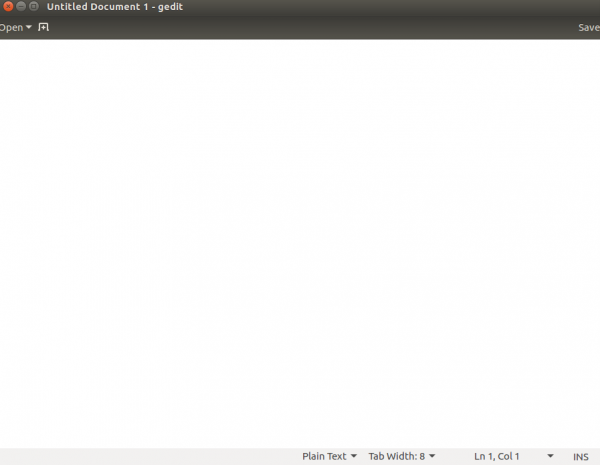
要打开 Gedit 文本编辑器,请使用以下命令 –
$ gedit
示例输出应如下所示
Etherpad Lite 文本编辑器
Etherpad 是一款基于 Web 的开源文件编辑器,可让您实时协作处理文件。使用 Etherpad,多个用户可以编辑文本记录。
要安装 Etherpad Lite 文本编辑器,需要 Node.js。要安装 Node.js,请阅读以下文章
在 Linux 上安装 Node.js
要安装 Etherpad Lite,请使用以下命令:
$ sudo apt-get install gzip curl python libssl-dev pkg-config build-essential git

$ git clone http://github.com/ether/etherpad-lite.git

$ cd etherpad-lite/bin

/etherpad-lite/bin$ ./run.sh
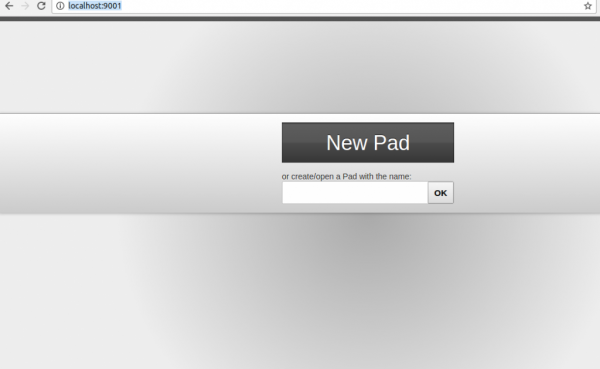
要访问 Etherpad Lite,请使用以下 URL:
http://localhost:9001/
示例输出应如下所示
相关文章
有用资源
linux 参考教程 - 该教程包含有关 linux 的更多信息:https://www.cainiaomax.com/linux/

