
理解 CSS 绝对单位和相对单位
cssweb developmentfront end technology更新于 2024/11/28 23:08:17
CSS 绝对单位
绝对长度单位彼此之间是固定的。当输出格式已知时,使用这些单位。以下是一些绝对长度单位 −
| Sr.No | 单位和说明 |
|---|---|
| 1 | cm centimeters |
| 2 | mm millimeters |
| 3 | in inches (1in = 96px = 2.54cm) |
| 4 | px * pixels (1px = 1/96th of 1in) |
| 5 | pt points (1pt = 1/72 of 1in) |
| 6 | pc picas (1pc = 12 pt) |
示例
Let us now see an example −
<!DOCTYPE html>
<html>
<head>
<style>
.demo {
   text-decoration: overline underline;
   text-decoration-color: blue;
   font-size: 0.3in;
}
</style>
</head>
<body>
<h1>Details</h1>
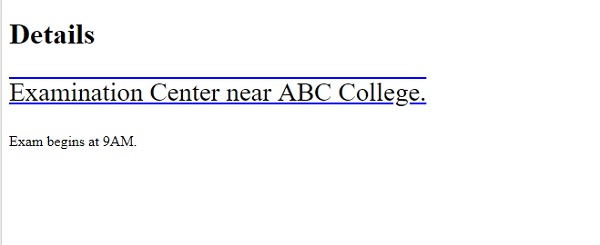
<p class="demo">Examination Center near ABC College.</p>
<p class="demo2">Exam begins at 9AM.</p>
</body>
</html>
输出
CSS 相对单位
CSS 中的相对长度单位用于指定相对于另一个长度属性的长度。
相对于当前字体的 x 高度
| Sr.no | 单位 &说明 |
|---|---|
| 1 | em 相对于元素的字体大小,例如 4em 表示当前字体大小的 4 倍。 |
| 2 | ex 相对于当前字体的 x 高度 |
| 3 | ch 相对于 0 的宽度 |
| 4 | rem 相对于根元素的字体大小 |
| 5 | vw 相对于视口宽度的 1%* |
| 6 | vh 相对于视口高度的 1%* |
| 7 | vmin 相对于视口较小尺寸的 1%* |
| 8 | vmax 相对于视口较大尺寸的 1%* |
| 9 | % 相对于父级元素 |
示例
让我们看一个使用相对长度单位的示例 −
<!DOCTYPE html>
<html>
<head>
<style>
.demo {
   text-decoration: overline underline;
   text-decoration-color: blue;
   font-size: 1.4em;
}
</style>
</head>
<body>
<h1>Details</h1>
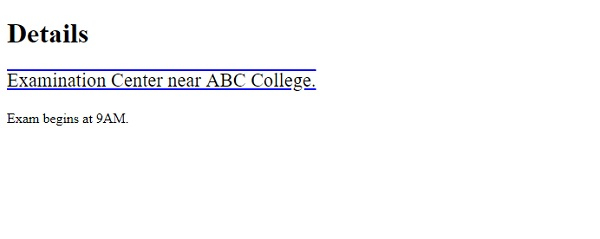
<p class="demo">Examination Center near ABC College.</p>
<p class="demo2">Exam begins at 9AM.</p>
</body>
</html>
输出
相关文章
有用资源
css 参考教程 - 该教程包含有关 css 的更多信息:https://www.cainiaomax.com/css/

