
了解 CSS3 滤镜函数
cssweb developmentfront end technology更新于 2024/11/4 2:52:17
滤镜函数用于设置元素的视觉效果,例如对比度、亮度、色相旋转、不透明度以及图像等。现在让我们看一些滤镜函数 −
对比度
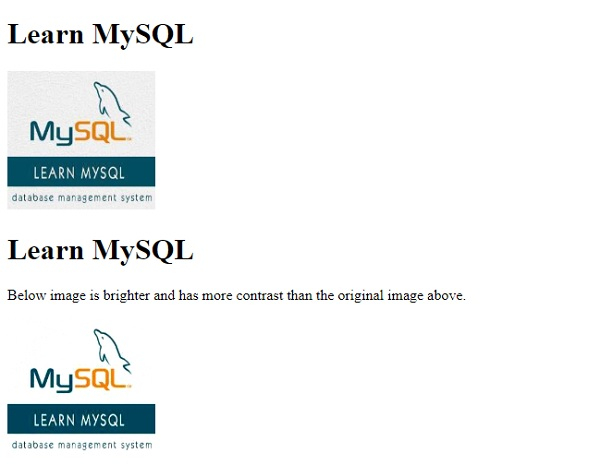
要在 CSS 中设置图像对比度,请使用滤镜"对比度(%)"。请记住,值为 0 时图像为黑色,值为 100% 时为原始图像和默认值。其余值您可以设置任何您选择的值,但高于 100% 的值会使图像对比度更高。
示例
现在让我们看一个使用 CSS3 调整图像对比度的示例 −
<!DOCTYPE html>
<html>
<head>
<style>
img.demo {
   filter: brightness(120%);
   filter: contrast(120%);
}
</style>
</head>
<body>
<h1>Learn MySQL</h1>
<img src="https://www.cainiaomax.com/mysql/images/mysql-mini-logo.jpg" alt="MySQL" width="160" height="150">
<h1>Learn MySQL</h1>
<p>Below image is brighter and has more contrast than the original image above.</p>
<img class="demo" src="https://www.cainiaomax.com/mysql/images/mysql-mini-logo.jpg" alt="MySQL" width="160" height="150">
</body>
</html>
输出
阴影
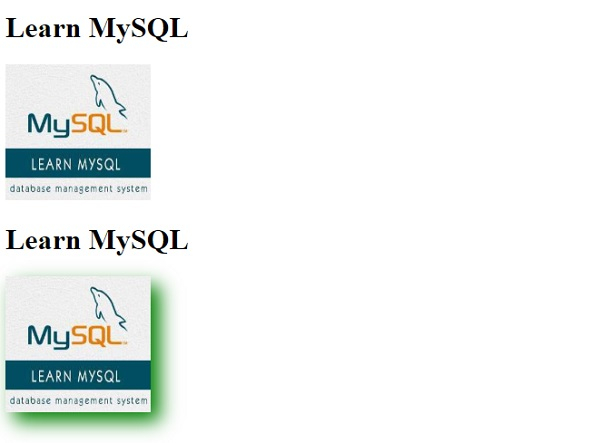
要在 CSS3 中为图像添加阴影,请使用滤镜属性的 drop-shadow 值。它具有以下值 −
h-shadow - 指定水平阴影的像素值。
v-shadow - 指定垂直阴影的像素值。负值会将阴影置于图像上方。
blur - 为阴影添加模糊效果。
spread - 正值使阴影扩大,负值则缩小。
color - 为阴影添加颜色
示例
现在让我们看另一个例子 −
<!DOCTYPE html>
<html>
<head>
<style>
img.demo {
   filter: brightness(120%);
   filter: contrast(120%);
   filter: drop-shadow(10px 10px 10px green);
}
</style>
</head>
<body>
<h1>Learn MySQL</h1>
<img src="https://www.cainiaomax.com/mysql/images/mysql-mini-logo.jpg" alt="MySQL" width="160" height="150">
<h1>Learn MySQL</h1>
<img class="demo" src="https://www.cainiaomax.com/mysql/images/mysql-mini-logo.jpg" alt="MySQL" width="160" height="150">
</body>
</html>
输出
棕褐色效果
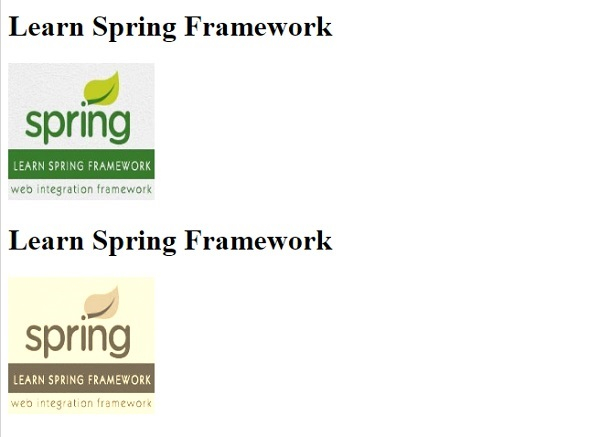
要使用 CSS3 对图像应用棕褐色效果,请使用 sepia 作为滤镜属性的值。代码如下 −
示例
<!DOCTYPE html>
<html>
<head>
<style>
img.demo {
   filter: sepia(100%);
}
</style>
</head>
<body>
<h1>Learn Spring Framework</h1>
<img src="https://www.cainiaomax.com/spring/images/spring-mini-logo.jpg" alt="Spring Framework" width="160" height="150">
<h1>Learn Spring Framework</h1>
<img class="demo" src="https://www.cainiaomax.com/spring/images/spring-mini-logo.jpg" alt="Spring Framework" width="160" height="150">
</body>
</html>
输出
相关文章
有用资源
css 参考教程 - 该教程包含有关 css 的更多信息:https://www.cainiaomax.com/css/

