
如何使用 Java 向 PDF 文档添加页面
问题描述
如何使用 Java 向 PDF 文档添加页面。
解决方案
以下是使用 Java 向 PDF 文档添加页面的示例程序。
import java.io.File;
import java.io.IOException;

import org.apache.pdfbox.pdmodel.PDDocument;
import org.apache.pdfbox.pdmodel.PDPage;

public class AddingPagesToPdf {
   public static void main(String args[]) throws IOException {

    //创建 PDF 文档对象
    PDDocument document = new PDDocument();

    File file = new File("C:/pdfBox/AddPages.pdf");
    PDDocument.load(file);

    for (int i=0; i<10; i++){
        //创建空白页
        PDPage blankPage = new PDPage();

        //将空白页添加到文档
        document.addPage(blankPage);
    }
    //保存文档
    document.save("C:/pdfBox/AddPages_OP.pdf");
    System.out.println("PDF created");

    //关闭文档
    document.close();
   }
}
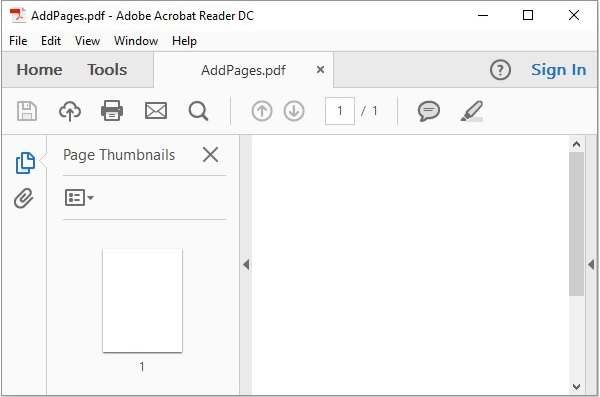
输入
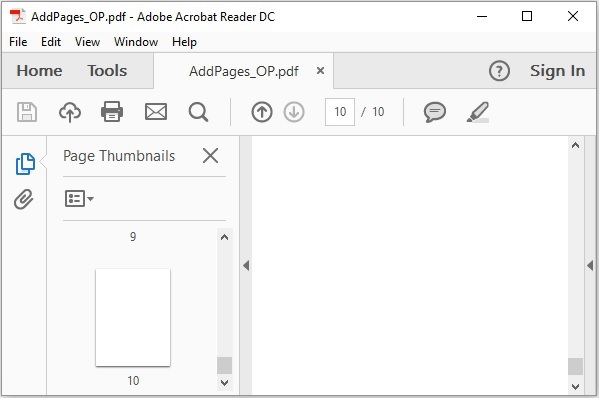
输出
java_apache_pdf_box.html

