
如何使用 Java 在 word 文档中编写段落
问题描述
如何使用 Java 在 word 文档中编写段落。
解决方案
以下是使用 Java 在 word 文档中编写段落的程序。
import java.io.File;
import java.io.FileOutputStream;

import org.apache.poi.xwpf.usermodel.XWPFDocument;
import org.apache.poi.xwpf.usermodel.XWPFParagraph;
import org.apache.poi.xwpf.usermodel.XWPFRun;

public class ParagraphInWord {
   public static void main(String[] args)throws Exception {

      //空白文档
      XWPFDocument document = new XWPFDocument();

      //将文档写入文件系统
      FileOutputStream out = new FileOutputStream(new File
         ("C:/poiword/createparagraph.docx"));

      //创建段落
      XWPFParagraph paragraph = document.createParagraph();
      XWPFRun run = paragraph.createRun();
      run.setText("At tutorialspoint.com, we strive hard to " +
         "provide quality tutorials for self-learning " +
         "purpose in the domains of Academics, Information " +
         "Technology, Management and Computer Programming Languages.");

      document.write(out);
      out.close();
      System.out.println("createparagraph.docx written successfully");
   }
}
输出
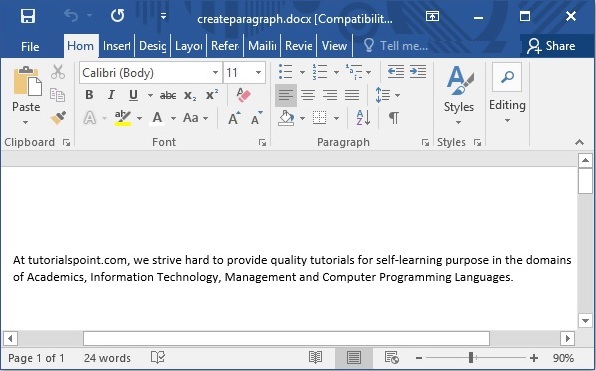
java_apache_poi_word.html

