
Polymer - Iron Image
<iron-image> 是一个图像显示元素。图像通过实用的尺寸调整和预加载选项显示。
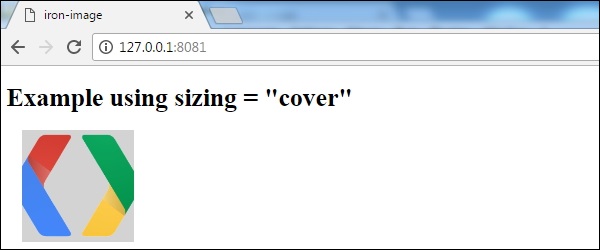
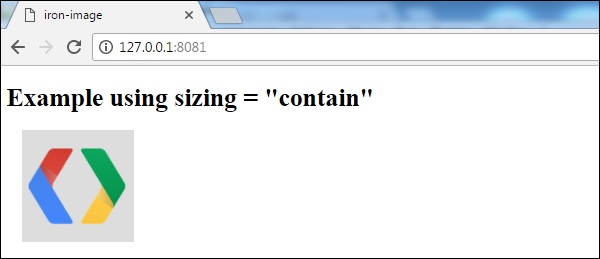
尺寸调整选项可以裁剪(覆盖)或信箱模式(包含)图像以适应其指定的大小,而预加载选项会阻止图像渲染。同时,您可以使用元素的 CSS 背景颜色作为占位符,也可以选择数据 URI。fade 选项会在渲染图像后淡出占位符的图像/颜色。
<iron-image> 元素类似于 <img scr = "....">如以下代码片段所示 −
<iron-image src = "http://lorempixel.com/600/600"></iron-image>
示例
要使用 iron-image 元素,请使用 bower 安装 iron-image 元素并将其导入到 index.html 文件中。以下代码显示纯图像 −
<!DOCTYPE html>
<html>
   <head>
      <title>iron-image</title>
      <base href = "https://polygit.org/components/">
      <script src = "webcomponentsjs/webcomponents-lite.js"></script>
      <link rel = "import" href = "iron-image/iron-image.html">
   </head>

   <body>
      <h1>Iron-Image Example</h1>
      <iron-image src = "http://www.tcgreenmedia.com/wp-content/uploads/2014/07/google-developers-v01-510x380.png"
         alt = "iron-image" ></iron-image>
   </body>
</html>
您将获得如以下屏幕截图所示的输出。
使用选项 sizing = "cover"
<!DOCTYPE html>
<html>
   <head>
      <title>iron-image</title>
      <base href = "https://polygit.org/components/">
      <script src = "webcomponentsjs/webcomponents-lite.js"></script>
      <link rel = "import" href = "iron-image/iron-image.html">

      <style>
         #sizing-cover {
            width: 140px;
            height: 140px;
            background: LightGrey;
            margin-left: 20px;
         }
      </style>
   </head>

   <body>
      <h1>Example using sizing = "cover"</h1>
      <iron-image src = "http://www.tcgreenmedia.com/wp-content/uploads/2014/07/google-developers-v01-510x380.png"
         sizing = "cover" id = "sizing-cover" alt = "iron-image" ></iron-image>
   </body>
</html>
您将获得如以下屏幕截图所示的输出。
使用选项 sizing = "contain"
<!DOCTYPE html>
<html>
   <head>
      <title>iron-image</title>
      <base href = "https://polygit.org/components/">
      <script src = "webcomponentsjs/webcomponents-lite.js"></script>
      <link rel = "import" href = "iron-image/iron-image.html">

      <style>
         #sizing-contain {
            width: 140px;
            height: 140px;
            background: #ddd;
            margin-left: 20px;
         }
      </style>
   </head>

   <body>
      <h1>Example using sizing = "contain"</h1>
      <iron-image src = "http://www.tcgreenmedia.com/wp-content/uploads/2014/07/google-developers-v01-510x380.png"
         sizing = "contain" id = "sizing-contain" alt = "iron-image" ></iron-image>
   </body>
</html>
您将获得如以下屏幕截图所示的输出。
以下代码显示灰色背景以及 base-64 编码的占位符,直到图像加载完成。
<iron-image style = "width:800px; height:600px; background-color: grey;"
   placeholder = "data:image/jpeg;base64,..."
   sizing = "cover" preload src = "http://lorempixel.com/600/600"></iron-image>
以下代码在图像渲染完成后淡出图像。
<iron-image style = "width:800px; height:600px; background-color: grey;"
   sizing = "cover" preload fade src = "http://lorempixel.com/600/600"></iron-image>
下表显示了 <iron-image> 元素的自定义属性。
| Sr.No | 自定义属性 &描述 | 默认 |
|---|---|---|
| 1 | --iron-image-placeholder: 这是一个用于设置 #placeholder 样式的混合体。 |
{> |
| 2 | --iron-image-width: 使用此属性设置 iron-image 包裹的图像的宽度。 |
auto |
| 3 | --iron-image-height: 使用此属性设置图片的高度,由 ironimage 包裹。 |
auto |
 polymer_elements.html
