如何在 iOS 上为视图背景颜色的变化添加动画效果?
iosmobile developmentapps/applications更新于 2026/2/12 2:22:17
在本文中,我们将学习如何使用动画更改视图的背景颜色。
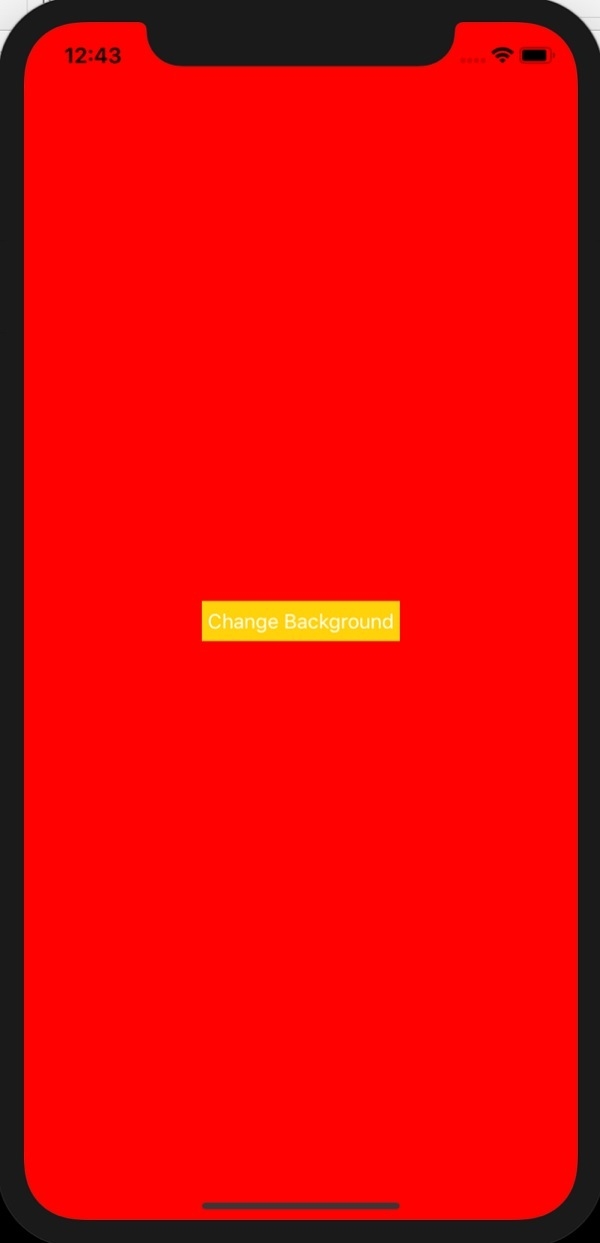
在本例中,我们将在点击按钮时更改视图的背景颜色。点击按钮时,背景颜色将变为红色,下次点击时变为蓝色,再点击时再次变为红色。
步骤 1 − 打开 Xcode → 新建项目 → 单视图应用程序 → 我们将其命名为"ChangeBGColor"
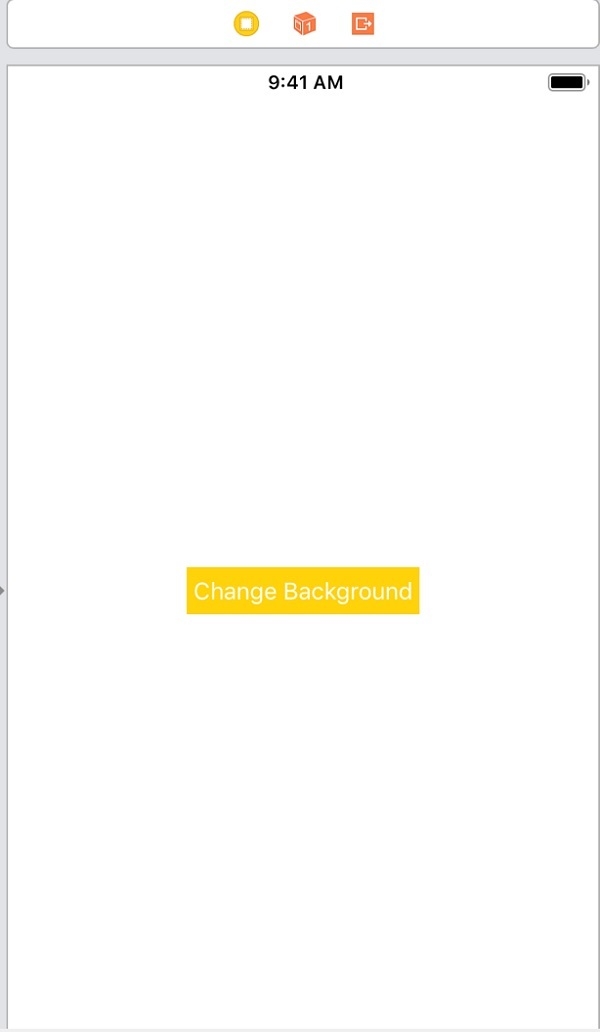
步骤 2 −打开 Main.storyboard,添加一个按钮,如下所示
步骤 3 − 为"更改背景"按钮的 touchUpInside 添加一个 @IBAction。将函数命名为 changeBackgroundClicked。
步骤 4 − 我们将使用 UIView 的 ‘animate’ 函数来更改背景颜色。它提供持续时间和可选的完成时间作为参数。在 changeBackgroundClicked 中,我们将视图的背景颜色从红色更改为蓝色,反之亦然。将以下代码添加到 changeBackgroundClicked 中
@IBAction func changeBackgroundClicked(_ sender: Any) {
   if self.view.backgroundColor == UIColor.red {
      UIView.animate(withDuration: 2) {
         self.view.backgroundColor = UIColor.blue
      }
   } else {
      UIView.animate(withDuration: 2) {
         self.view.backgroundColor = UIColor.red
      }
   }
}
步骤 5 − 运行代码,点击"更改背景颜色"按钮。您应该会看到视图的背景颜色在红色和蓝色之间变化,并带有动画效果。