
PowerShell 中的 Out-GridView 选择功能如何工作?
powershellmicrosoft technologiessoftware & coding更新于 2026/2/12 17:07:17
PowerShell Out-GridView 输出中,您可以选择单选或多选。
例如,如果我们运行以下命令,它将以网格格式显示输出。
PS C:\> Get-Process | Out-GridView
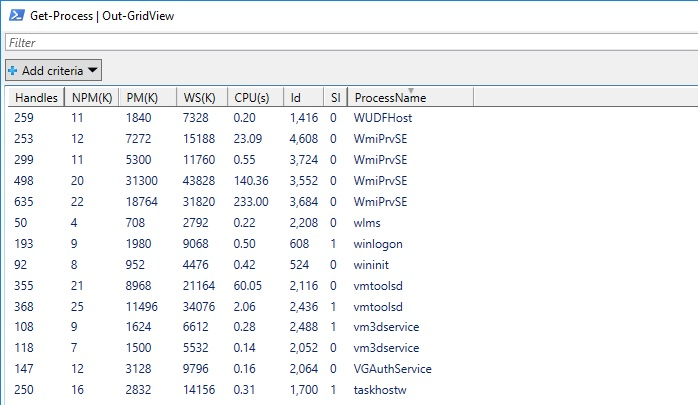
在此输出中,您无法选择行,因为其输出模式为"无"。要从输出中添加单选,请使用"输出模式"设置为"单选";要添加多选,请使用"输出模式"设置为"多选"。添加 OutpuMode 属性后,您可以在网格右下角看到"确定"和"取消"按钮。
单输出模式 −
PS C:\> Get-Process | Out-GridView -OutputMode Single

我们选择 cmd 并按下"确定"。
NPM(K) PM(M) WS(M) CPU(s) ID    SI ProcessName
------ ----- ----- ------ ----- -- -----------
5     2.36 17.58 0.22 26096 1 cmd
多选
PS C:\> Get-Process | Out-GridView -OutputMode Multiple
NPM(K) PM(M) WS(M) CPU(s) Id SI ProcessName
------ ----- ----- ------ ----- -- -----------
5      2.36  17.42 0.22   26096 1 cmd
41     20.99 7.89  29.95  24040 1 AcroRd32

