
如何使用 CSS 为图片添加按钮?
cssweb developmentfront end technology更新于 2025/10/5 3:24:17
以下是使用 CSS 为图片添加按钮的代码 −
示例
<!DOCTYPE html>
<html>
<head>
<meta name="viewport" content="width=device-width, initial-scale=1">
<style>
img{
   width: 100%;
}
div {
   position: relative;
   width: 100%;
   max-width: 400px;
}
div img {
   width: 100%;
   height: auto;
}
div button {
   position: absolute;
   top: 50%;
   left: 50%;
   transform: translate(-50%, -50%);
   background-color: rgb(64, 21, 133);
   color: white;
   font-size: 20px;
   padding: 24px 36px;
   width: 220px;
   border: none;
   cursor: pointer;
   border-radius: 5px;
   text-align: center;
   font-weight: bolder;
   font-family: monospace,sans-serif,serif;
}
div button:hover {
   color:yellow;
}
</style>
</head>
<body>
<h1>Button on Image Example</h1>
<div>
<img src="https://i.picsum.photos/id/354/400/400.jpg">
<button class="btn">Button</button>
</div>
</body>
</html>
输出
上述代码将产生以下输出 −
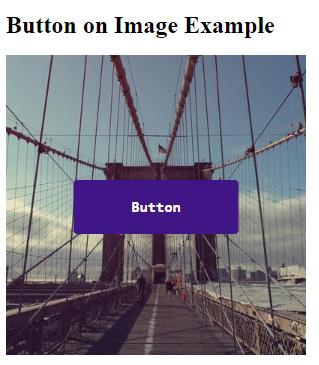
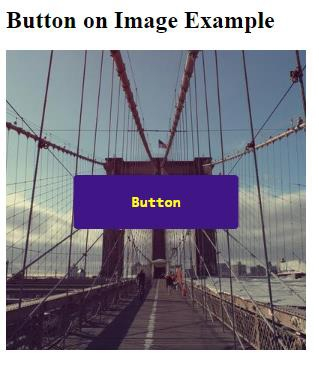
当鼠标悬停在按钮上时,按钮的颜色会改变,如下所示 −
相关文章
有用资源
css 参考教程 - 该教程包含有关 css 的更多信息:https://www.cainiaomax.com/css/

