
如何使用 CSS 设置社交媒体按钮的样式?
cssweb developmentfront end technology更新于 2025/10/5 3:56:17
以下是使用 CSS 设置社交媒体按钮样式的代码 −
示例
<!DOCTYPE html>
<html>
<head>
<link
href="https://stackpath.bootstrapcdn.com/font-awesome/4.7.0/css/font-awesome.min.css"
rel="stylesheet"
integrity="sha384-wvfXpqpZZVQGK6TAh5PVlGOfQNHSoD2xbE+QkPxCAFlNEevoEH3Sl0sibVcOQVnN"
crossorigin="anonymous"
/>
<style>
button {
   margin: 0px;
   border-radius: 50%;
   width: 120px;
   height: 120px;
   border: none;
   padding: 15px;
   font-family: "Segoe UI", Tahoma, Geneva, Verdana, sans-serif;
   font-weight: bold;
   font-size: 40px;
   border:1px solid black;
}
button:nth-of-type(1){
   margin-left: 40%;
}
button:hover {
   background: black;
   box-shadow: 5px 10px 18px rgb(20, 20, 20);
}
</style>
</head>
<body>
<h1 style="text-align: center;">Social Media Buttons Example</h1>
<button><i class="fa fa-facebook-f" style="color:#3B5998"></i></button>
<button><i class="fa fa-hashtag" style="color:#55ACEE"></i></button>
<button><i class="fa fa-linkedin" style="color:#007bb5"></i></button>
</body>
</html>
输出
上述代码将产生以下输出 −
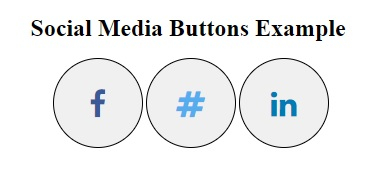
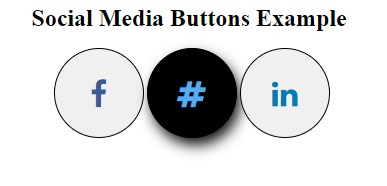
悬停在任何图标上 −
相关文章
有用资源
css 参考教程 - 该教程包含有关 css 的更多信息:https://www.cainiaomax.com/css/

