
如何使用 CSS 使 DIV 的高度达到窗口高度的 100%
cssweb developmentfront end technology更新于 2024/5/16 10:20:17
CSS 高度属性帮助我们指定元素的高度。
语法
CSS 高度属性的语法如下 −
Selector {
   height: /*value*/
}
示例
以下示例说明了 CSS 高度属性。
<!DOCTYPE html>
<html>
   <head>
      <title>Page Title</title>
      <style>
         html, body {
            margin: 0px;
            height: 100vh;
         }
         div {
            height: 100%;
            text-align: center;
            background: mistyrose;
         }
      </style>
   </head>
   <body>
      <div>100% height!!</div>
   </body>
</html>
示例
这将给出以下输出

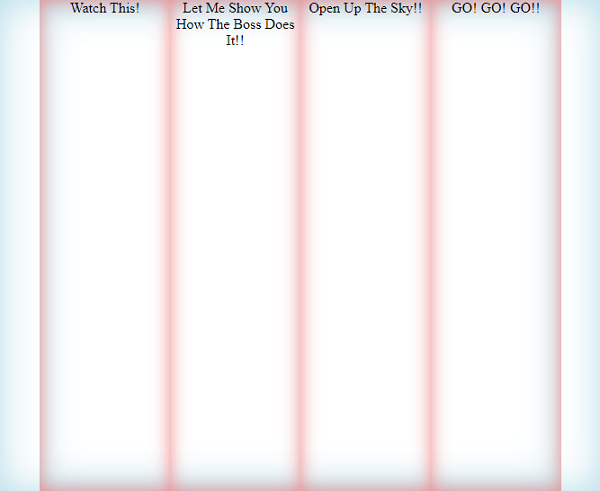
<!DOCTYPE html>
<html>
   <head>
      <title>Page Title</title>
      <style>
         html, body {
            display: flex;
            flex-direction: row;
            justify-content: space-around;
            margin: 0px;
            height: 100vh;
            box-shadow: inset 0 0 40px lightblue;
         }
         div {
            width: 40%;
            height: 100vh;
            text-align: center;
            box-shadow: inset 0 0 20px lightcoral;
         }
      </style>
   </head>
   <body>
      <div>Watch This!</div>
      <div>Let Me Show You How The Boss Does It!!</div>
      <div>Open Up The Sky!!</div>
      <div>GO! GO! GO!!</div>
   </body>
</html>
这将给出以下输出
相关文章
有用资源
css 参考教程 - 该教程包含有关 css 的更多信息:https://www.cainiaomax.com/css/

