
如何防止 Python Matplotlib 中的数字被转换为指数形式?
pythonmatplotlibserver side programmingprogramming更新于 2024/9/28 7:40:17
在 ticklabel_format() 方法中使用 style='plain',我们可以限制值被转换为指数形式。
步骤
传递两个列表以使用 plot() 方法绘制一条线。
使用 style='plain' 的 ticklabel_format() 方法。如果未设置参数,则格式化程序的相应属性保持不变。style='plain' 关闭科学计数法。
要显示图形,请使用 plt.show() 方法。
示例
from matplotlib import pyplot as plt
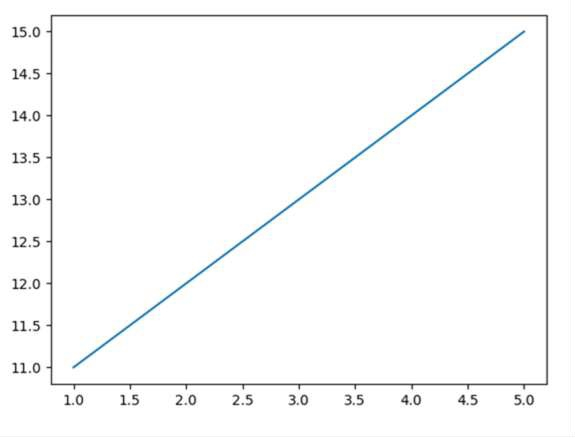
plt.plot([1, 2, 3, 4, 5], [11, 12, 13, 14, 15])
plt.ticklabel_format(style='plain')    # to prevent scientific notation.
plt.show()
输出
相关文章
有用资源
python 参考教程 - 该教程包含有关 python 的更多信息:https://www.cainiaomax.com/python/
打印
下一节:在 Python 中使用 TeX 在 Matplotlib 标签中添加换行符 ❯❮ 上一节:在 Jupyter Notebook 中制作交互式 3D 图(Python 和 Matplotlib)

