
HTML ondblclick 事件属性
htmldomweb developmentfront end technology更新于 2025/12/27 21:32:17
当鼠标双击 HTML 文档中的 HTML 元素时,会触发 HTML ondblclick 属性。
语法
以下是语法 −
<tagname ondblclick=”script></tagname>
让我们看一个 HTML ondblclick 事件属性的示例−
示例
<!DOCTYPE html>
<html>
<head>
<style>
   body {
      color: #000;
      height: 100vh;
      background-color: #FBAB7E;
      background-image: linear-gradient(62deg, #FBAB7E 0%, #F7CE68 100%);
      text-align: center;
   }
   .btn {
      background: #db133a;
      border: none;
      height: 2rem;
      border-radius: 2px;
      width: 40%;
      display: block;
      color: #fff;
      outline: none;
      cursor: pointer;
      margin: 1rem auto;
   }
</style>
</head>
<body>
<h1>HTML ondblclick Event Attribute Demo</h1>
<button class="btn" ondblclick="display()">Double click me</button>
<div class="show"></div>
<script>
   function display() {
      document.querySelector('.show').innerHTML = 'Hey! you double clicked me';
   }
</script>
</body>
</html>
输出
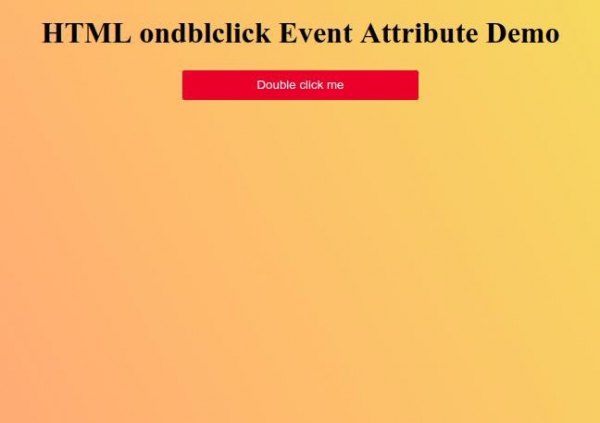
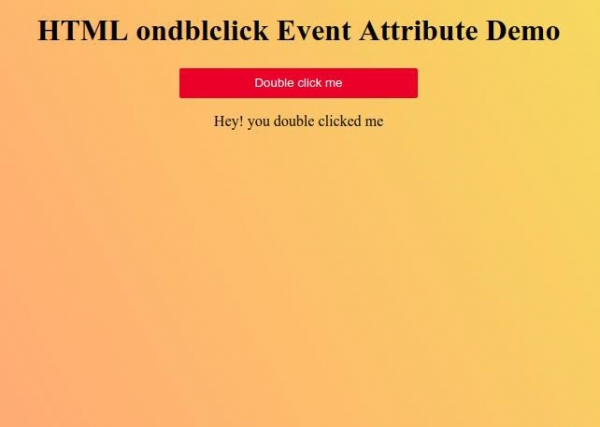
双击红色按钮即可触发鼠标双击事件。
相关文章
有用资源
html 参考教程 - 该教程包含有关 html 的更多信息:https://www.cainiaomax.com/html/

