
HTML onmouseover 事件属性
htmldomweb developmentfront end technology更新于 2025/12/27 18:52:17
当鼠标指针移动到 HTML 文档中的 HTML 元素上时,会触发 HTML onmouseover 事件属性。
语法
以下是语法 −
<tagname onmouseover=”script></tagname>
让我们看一个 HTML onmouseover 事件属性的示例−
示例
<!DOCTYPE html>
<html>
<head>
<style>
   body {
      color: #000;
      height: 100vh;
      background-color: #FBAB7E;
      background-image: linear-gradient(62deg, #FBAB7E 0%, #F7CE68 100%);
      text-align: center;
   }
   .circle {
      background: #db133a;
      height: 150px;
      width: 150px;
      border-radius: 50%;
      margin: 10px auto;
   }
   p {
      margin: 30px auto;
   }
</style>
</head>
<body>
<h1>HTML onmouseover Event Attribute Demo</h1>
<div class="circle" onmousemove="mouseMoveFn()" onmouseout="mouseOutFn()"></div>
<p>Try to move the cursor over the red circle</p>
<script>
   function mouseMoveFn() {
      document.querySelector('.circle').style.background = '#2274A5';
   }
   function mouseOutFn() {
      document.querySelector('.circle').style.background = '#0B6E4F';
   }
</script>
</body>
</html>
输出
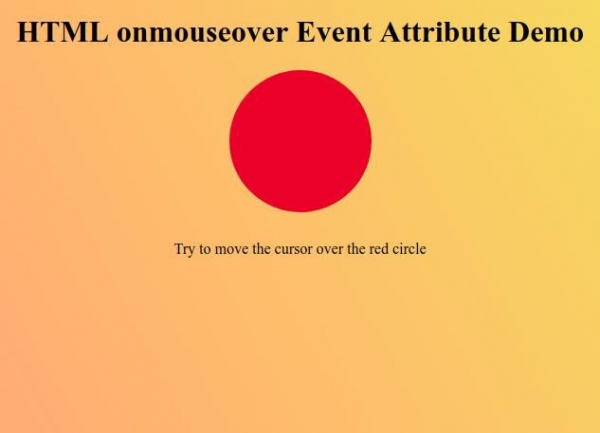
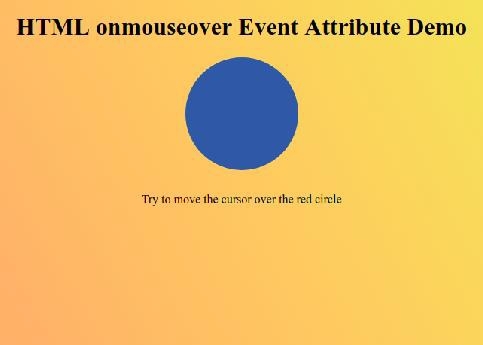
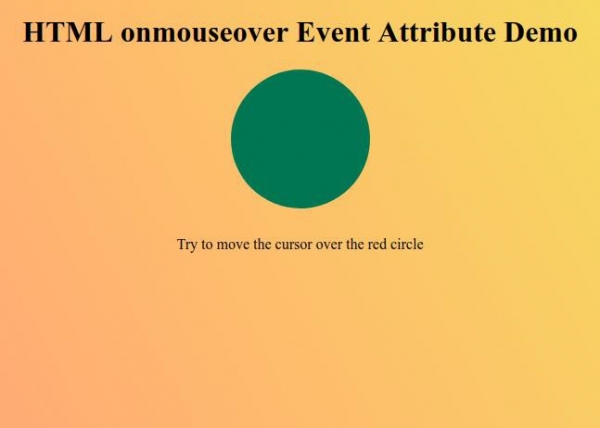
现在尝试将鼠标光标移到红色圆圈上,观察 onmouseout 事件属性如何工作 −
相关文章
有用资源
html 参考教程 - 该教程包含有关 html 的更多信息:https://www.cainiaomax.com/html/

