
在 CSS 中使用图像作为列表标记
cssweb developmentfront end technology更新于 2025/1/6 15:08:17
CSS list-style-image 属性用于将图像设置为列表项的标记。
语法
CSS list-style-image 属性的语法如下 −
Selector {
   list-style-image: /*value*/
}
示例
以下示例说明了 CSS list-style-image 属性 −
<!DOCTYPE html>
<html>
<head>
<style>
ul {
   width: 150px;
   list-style-image: url("https://www.cainiaomax.com/images/Servlets.png");
   background: goldenrod;
}
li {
   text-align: center;
   background: lavenderblush;
   margin: 5px 30px;
}
</style>
</head>
<body>
<h2>Servlets</h2>
<ul>
<li>Client Request</li>
<li>Server Response</li>
<li>Cookies Handling</li>
<li>Session Tracking</li>
</ul>
</body>
</html>
输出
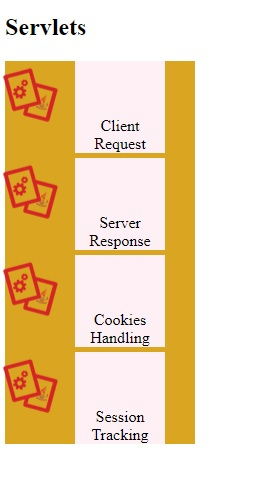
这将给出以下输出 −
示例
<!DOCTYPE html>
<html>
<head>
<style>
ul {
   margin-left: 20px;
   list-style-image: url("https://www.cainiaomax.com/images/hibernate.png");
}
li {
   font-size: 1.3em;
   text-align: center;
   background: burlywood;
   margin: 3px;
}
</style>
</head>
<body>
<h2>Hibernate Tutorial</h2>
<ul>
<li>Sessions</li>
<li>Persistent Class</li>
<li>Mapping Files</li>
<li>Mapping Types</li>
<li>Annotations</li>
</ul>
</body>
</html>
输出
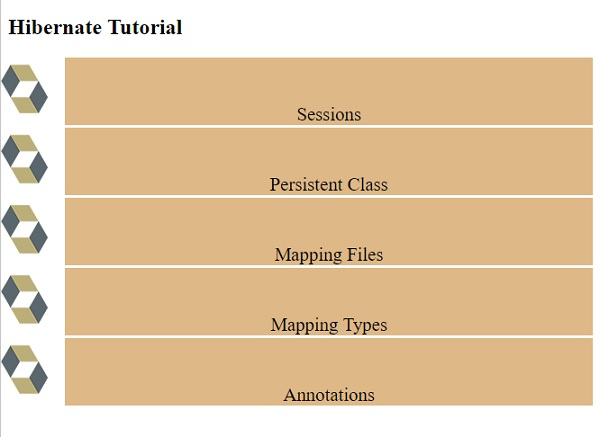
这将给出以下输出 −
相关文章
有用资源
css 参考教程 - 该教程包含有关 css 的更多信息:https://www.cainiaomax.com/css/

