
使用 CSS 去除活动链接周围的虚线
cssweb developmentfront end technology更新于 2025/1/14 5:00:17
我们可以通过将活动/聚焦链接上的 CSS outline 属性声明为 none,来去除超链接在活动或聚焦时在其周围显示虚线轮廓的默认行为。
解决方案
a, a:active, a:focus {
   outline: none;
}
示例
让我们通过一个示例看看如何去除活动链接周围的虚线 −
<!DOCTYPE html>
<html>
<head>
<title>Remove dotted line around links using css</title>
</head>
<style>
div {
   color: #000;
   padding:20px;
   background-image: linear-gradient(135deg, #dc3545 0%, #9599E2 100%);
   text-align: center;
}
a, a:active, a:focus {
   outline: none;
}
</style>
<body>
<div>
<h1>HTML Links Demo</h1>
<a href="https://google.com" target="_blank">Go To Google</a>
</div>
</body>
</html>
输出
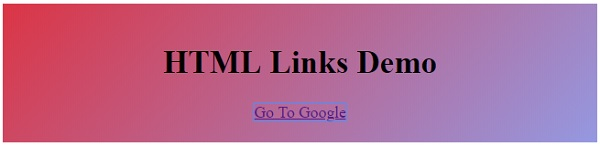
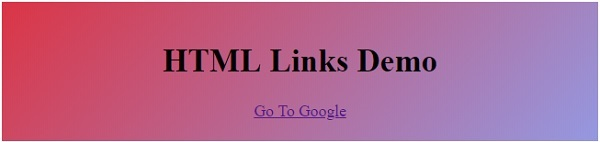
以下是上述代码的输出 −
应用解决方案之前
应用解决方案之后
相关文章
有用资源
css 参考教程 - 该教程包含有关 css 的更多信息:https://www.cainiaomax.com/css/

