
如何使用 CSS 创建自定义光标
cssweb developmentfront end technology更新于 2025/1/14 5:32:17
我们可以创建自定义光标图片,其扩展名包括 .cur(适用于 Internet Explorer)、.gif 和 .png(适用于 Chrome、Firefox 和 Safari),然后使用 CSS 的 cursor 属性将其应用于元素,并将其设置为 URL,此外还可以设置通用光标值,例如 auto、default、pointer 等。
解决方案
Selector {
   cursor: url("/*path to custom cursor file*/"), generic cursor;
}
示例
让我们通过示例看看如何创建自定义光标 −
<!DOCTYPE html>
<html>
<head>
<title>Custom Cursor Using CSS</title>
<style>
form {
   width:70%;
   margin: 0 auto;
   text-align: center;
}
* {
   padding: 2px;
   margin:5px;
}
input[type="button"] {
   border-radius: 10px;
}
#tech1 {
   cursor: url("https://www.cainiaomax.com/images/dbms.png"), auto;
}
#tech2 {
   cursor: url("https://www.cainiaomax.com/images/Python.png"), auto;
}
</style>
</head>
<body>
<form>
<fieldset>
<legend>Custom Cursor Using CSS</legend>
<h1>Learn</h1>
<input type="button" id="tech1" value="DBMS">
<input type="button" id="tech2" value="Python">
</fieldset>
</form>
</body></html>
输出
以下是上述代码的输出 −
将鼠标悬停在"DBMS"按钮上 −
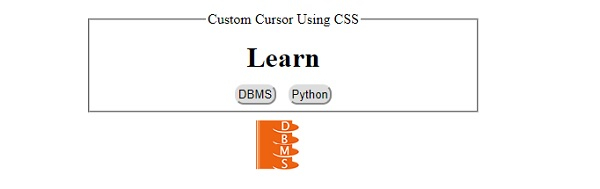
将鼠标悬停在"Python"按钮上 −
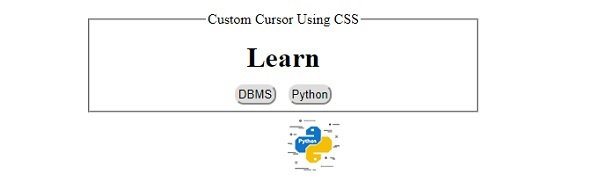
相关文章
有用资源
css 参考教程 - 该教程包含有关 css 的更多信息:https://www.cainiaomax.com/css/

