
通过 CSS 动画显示隐藏元素
cssweb developmentfront end technology更新于 2024/9/5 19:24:17
CSS 动画允许我们显示隐藏元素。
以下示例展示了如何使用 CSS 动画显示元素。
示例
<!DOCTYPE html>
<html>
<style>
.item {
   position: relative;
   perspective: 1000px;
}
.demo, .hidden-one {
   background: lightgreen;
   box-shadow: 0 5px 12px rgba(0,0,0,0.6);
}
.item:hover .hidden-one{
   animation: yoyo 1.4s backwards ease;
}
.item:hover .demo {
   animation-name: yo 1s ease;
}
.demo {
   position: absolute;
   height: 150px;
   width: 150px;
   background-color: firebrick;
   border-radius: 50%;
   left: 100px;
   top: 50px;
   z-index: 2;
}
.hidden-one {
   background-color: #880;
   border-radius: 3px;
   height: 120px;
   width: 55px;
   position: absolute;
   left: 280px;
   top: 140px;
   opacity: 0;
   transition: opacity 0.8s;
}
@keyframes yoyo {
   0% {
      top: 140px;
      opacity: 0;
      left: 70px;
      z-index: 1;
   }
   50% {
      left: 12px;
      opacity: 1;
      z-index: 2;
      top: 140px;
   }
   100% {
      opacity: 1;
      left: 150px;
      z-index: 3;
   }
}
@keyframes yo {
   0% {
   }
   30% {
      transform: rotate3D(-1,1,0.1,10deg) scale(1.05);
   }
   50% {
      transform: rotate3D(1,-1,0.1,10deg) scale(1.05);
   }
   100% {
   }
}
</style>
<body>
<div class="item">
<div class="hidden-one"></div>
<div class="demo"></div>
</div>
</body>
</html>
输出
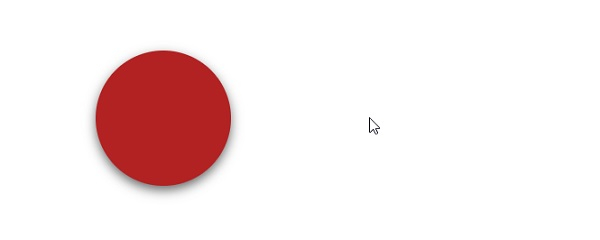
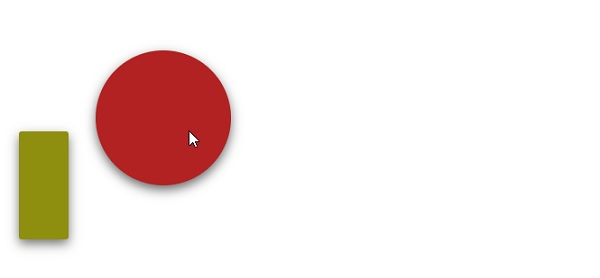
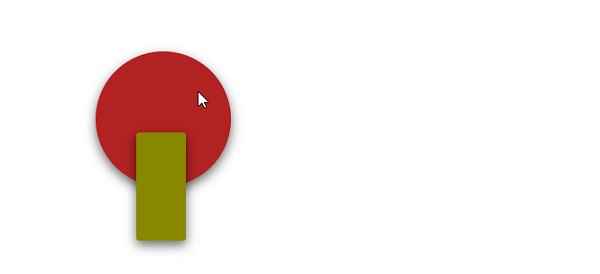
这将产生以下结果 −
相关文章
有用资源
css 参考教程 - 该教程包含有关 css 的更多信息:https://www.cainiaomax.com/css/
打印
下一节:如何使用 CSS offset-path(运动路径)移动元素到圆形路径? ❯❮ 上一节:理解 CSS 中的 clientHeight、offsetHeight 和 scrollHeight 属性

