
在 CSS 中使用百分比和 em 的组合
cssweb developmentfront end technology更新于 2025/1/19 6:36:17
我们可以使用百分比和 em 的组合来指定元素的字体大小,以提高字体兼容性。这使我们能够在不同浏览器中获得统一的文本。
语法
CSS 字体大小属性的语法如下 −
Selector {
   font-size: /*value*/
}
示例
以下示例说明了如何使用关键字设置 CSS 字体大小属性 −
<!DOCTYPE html>
<html>
<head>
<style>
body {
   font-size: 80%;
}
p {
   font-size: 2em;
}
span {
   font-size: 4em;
   font-style: italic;
}
</style>
</head>
<body>
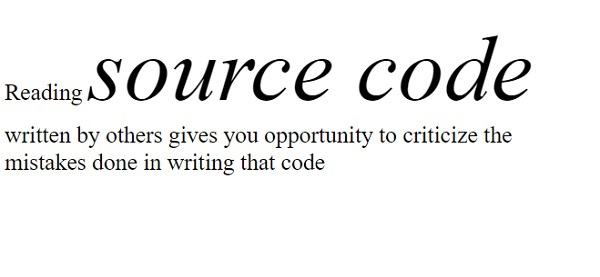
<p>Reading <span>source code</span> written by others gives you opportunity to criticize the
mistakes done in writing that code</p>
</body>
</html>
输出
这将给出以下输出 −
示例
<!DOCTYPE html>
<html>
<head>
<style>
div {
   font-size: 120%;
}
p {
   font-size: 2em;
}
</style>
</head>
<body>
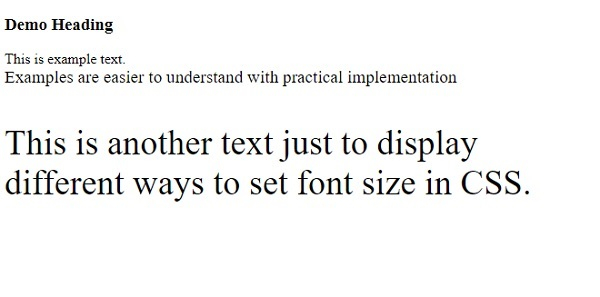
<h3>Demo Heading</h3>
This is example text.
<div>
Examples are easier to understand with practical implementation
<p>This is another text just to display different ways to set font size in CSS.</p>
</div>
</body>
</html>
输出
这将给出以下输出 −
相关文章
有用资源
css 参考教程 - 该教程包含有关 css 的更多信息:https://www.cainiaomax.com/css/

