Next.js - 全局 CSS 支持
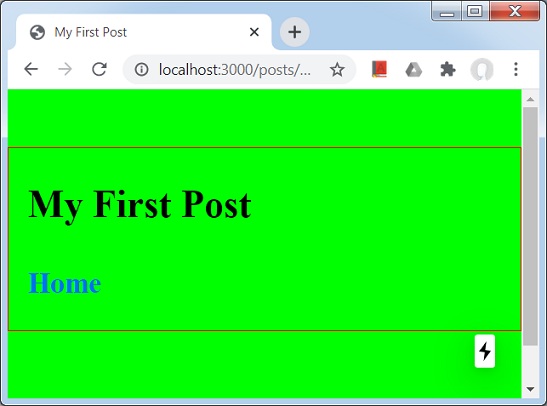
在 Next.js 中,让我们创建将应用于所有页面的全局样式。
在此示例中,我们将创建一个 style.css,它将在所有使用 _app.js 组件的组件上使用。
让我们更新 CSS 支持 一章中使用的 nextjs 项目。
首先在根级别创建一个样式目录并添加一个文件 style.css,如下所示 −
html,
body {
   padding: 0;
   margin: 0;
   line-height: 1.6;
   font-size: 18px;
   background-color: lime;
}

* {
   box-sizing: border-box;
}

a {
   color: #0070f3;
   text-decoration: none;
}

a:hover {
   text-decoration: underline;
}

img {
   max-width: 100%;
   display: block;
}
在 pages 目录中创建 _app.js 文件
import '../styles/styles.css'

export default function App({ Component, pageProps }) {
   return <Component {...pageProps} />
}
启动 Next.js 服务器
运行以下命令启动服务器 −.
npm run dev
> nextjs@1.0.0 dev \Node
extjs
> next

ready - started server on http://localhost:3000
event - compiled successfully
event - build page: /
wait  - compiling...
event - compiled successfully
event - build page: /next/dist/pages/_error
wait  - compiling...
event - compiled successfully
验证输出
在浏览器中打开 localhost:3000,您将看到以下输出。
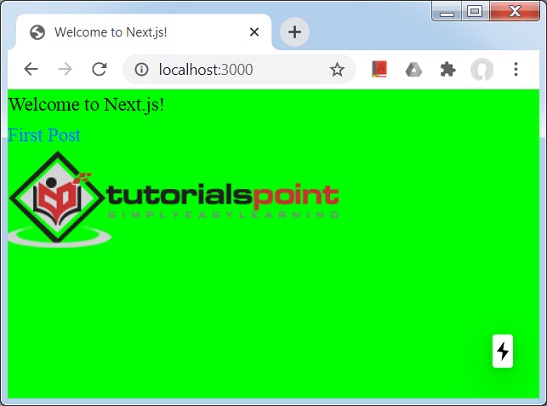
单击 First post 链接。