Pycharm - Console 控制台
PyCharm 有一个完整的 Python 控制台,可以在选项菜单 Tools -> Run Python Console 中找到完整的代码完成功能。
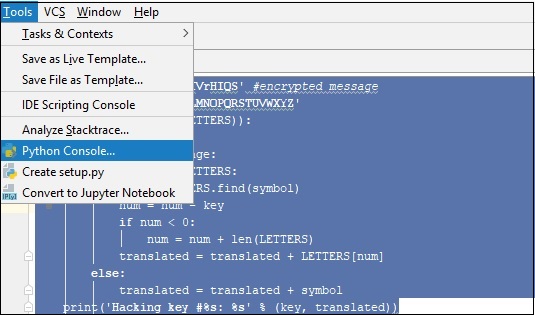
考虑上一章提到的代码,如下图 −
message = 'GIEWIVrGMTLIVrHIQS' #encrypted message
LETTERS = 'ABCDEFGHIJKLMNOPQRSTUVWXYZ'
for key in range(len(LETTERS)):
   translated = ''
   for symbol in message:
      if symbol in LETTERS:
         num = LETTERS.find(symbol)
         num = num - key
         if num < 0:
            num = num + len(LETTERS)
         translated = translated + LETTERS[num]
      else:
         translated = translated + symbol
   print('Hacking key #%s: %s' % (key, translated))
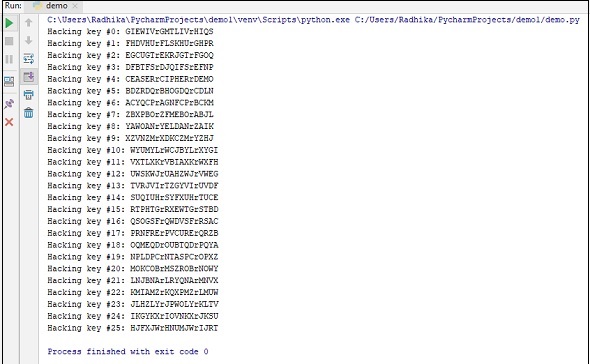
现在,让我们在控制台的帮助下运行代码以执行脚本以获得所需的输出,如下所示。
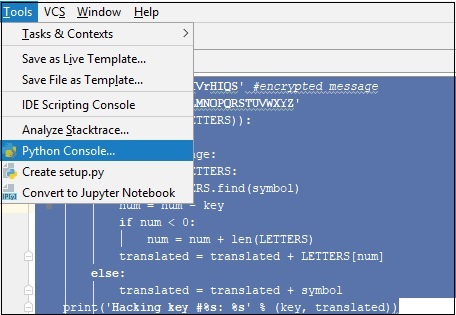
You can observe the output as shown below −