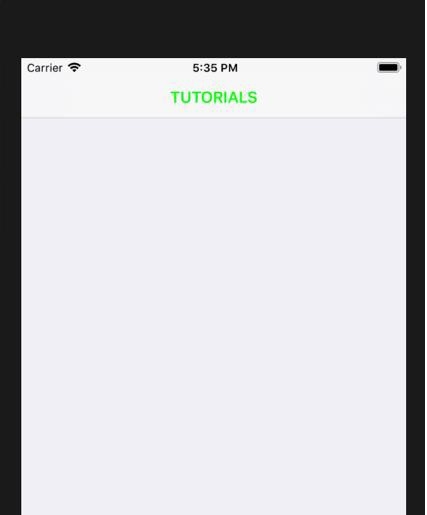
如何在 iOS 上更改导航栏的文本颜色?
iosapps/applicationsmobile development更新于 2026/1/7 21:52:17
更改导航栏的文本颜色既复杂又简单。在本文中,我们将了解如何在 Swift 中更改导航栏的文本颜色。
那么,让我们开始吧!
如下所示,将您的视图控制器嵌入导航控制器中,并将该特定控制器的导航项命名为"navigation item"(教程中所示)。
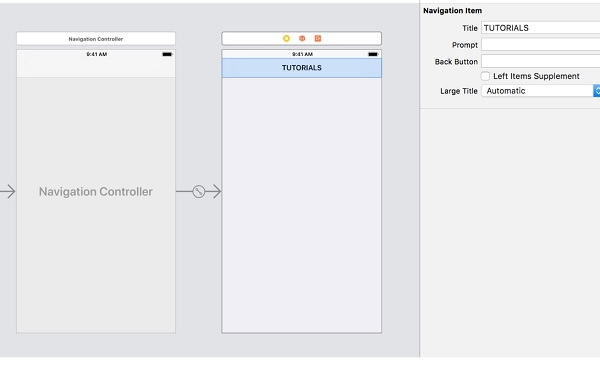
现在导航到 AppDelegate.swift,并在 didFinisheLaunchingWithOptions 方法中添加以下代码。
func application(_ application: UIApplication, didFinishLaunchingWithOptions launchOptions: [UIApplication.LaunchOptionsKey: Any]?) -> Bool {
   // 重写此点,用于在应用启动后进行自定义。
   let textColor = [NSAttributedString.Key.foregroundColor:UIColor.green]
   UINavigationBar.appearance().titleTextAttributes = textColor
   return true
}
运行应用,为了查看效果,我们在此处将颜色更改为绿色。