
如何使用 HTML5 localStorage API 在浏览器中存储数据?
htmlweb developmentfront end technology更新于 2025/7/26 19:24:17
HTML5 localStorage 会在浏览器中保存字符串数据,并且数据有效期会超出当前会话。localStorage 会存储数据,且不会过期,而 sessionStorage 则仅限于会话内。浏览器关闭后,会话也会丢失。
Local Storage 专为跨多个窗口存储而设计,并且数据有效期会超出当前会话。具体来说,出于性能原因,Web 应用程序可能希望在客户端存储数兆字节的用户数据,例如整个用户撰写的文档或用户的邮箱。
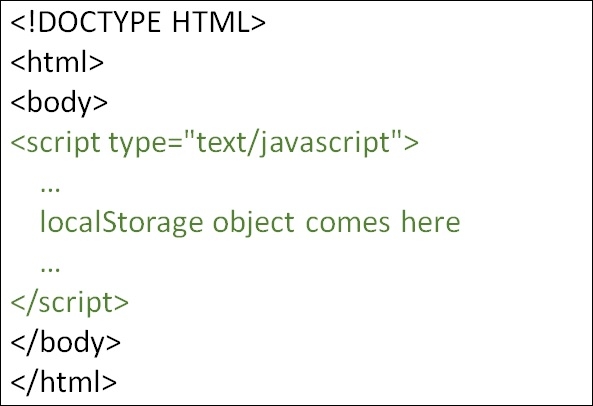
您可以尝试运行以下代码来了解如何使用 HTML5 localStorage
示例
<!DOCTYPE HTML>
<html>
   <body>
      <script type = "text/javascript">
         if( localStorage.hits ){
            localStorage.hits = Number(localStorage.hits) +1;
         }else{
            localStorage.hits = 1;
         }
         document.write("Total Hits on the website:" + localStorage.hits );
      </script>
      <p>Refresh the page to increase number of hits.</p>
      <p>Close the window and open it again and check the result.</p>
   </body>
</html>
相关文章
有用资源
html 参考教程 - 该教程包含有关 html 的更多信息:https://www.cainiaomax.com/html/

