
如何在 HTML 中使用高度和宽度属性?
htmlweb developmentfront end technology更新于 2025/12/29 2:20:17
HTML 中的高度和宽度属性用于指定元素的高度和宽度。其值以 px(像素)为单位。
以下 HTML 元素中使用了高度和宽度属性:
| S.NO | 元素 | 属性 | 属性 |
| 1 | <canvas> element | height | width |
| 2 | <embed> element | height | width |
| 3 | <iframe> element | height | width |
| 4 | <img> element | height | width |
| 5 | <input> element | height | width |
| 6 | <object> element | height | width |
| 7 | <video> element | height | width |
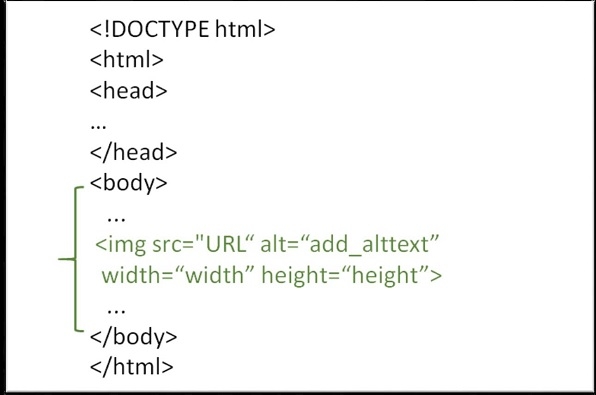
要在 HTML 页面中添加图片,需要使用 <img> 标签。为此,我们需要使用 height 和 width 属性来设置图片的高度和宽度(以像素为单位)。
示例
您可以尝试运行以下代码,了解如何在 HTML 中使用 height 和 width 属性。
<!DOCTYPE html>
<html>
   <head>
      <title>HTML height and width attribute</title>
   </head>
   <body>
      <img src="https://www.cainiaomax.com/green/images/logo.png" alt="Simply Easy Learning" width="200" height="70">
   </body>
</html>
相关文章
有用资源
html 参考教程 - 该教程包含有关 html 的更多信息:https://www.cainiaomax.com/html/

