
如何使用 HTML5 localStorage 和 sessionStorage?
htmlweb developmentfront end technology更新于 2026/1/7 10:52:17
HTML5 引入了两种类似于 HTTP 会话 Cookie 的机制,用于在客户端存储结构化数据,并克服以下缺点。
- 每个 HTTP 请求都包含 Cookie,因此由于传输相同的数据,会降低 Web 应用程序的速度。
- Cookie 的数据大小限制为 4 KB 左右。不足以存储所需数据。
两种存储机制是会话存储和本地存储,它们用于处理不同的情况。
会话存储
会话存储专为用户执行单个事务但可能同时在不同窗口中执行多个事务的场景而设计。
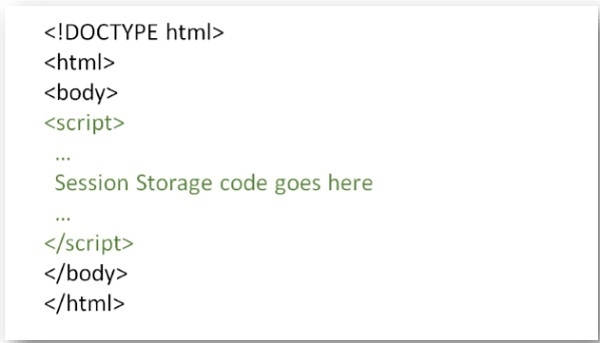
您可以尝试运行以下命令来设置会话变量并访问该变量
示例
<!DOCTYPE HTML>
<html>
   <body>
      <script type="text/javascript">
         if( sessionStorage.hits ){
            sessionStorage.hits = Number(sessionStorage.hits) +1;
         } else{
            sessionStorage.hits = 1;
         }
         document.write("Total Hits :" + sessionStorage.hits );
      </script>
      <p>Refresh the page to increase number of hits.</p>
      <p>Close the window and open it again and check the result.</p>
   </body>
</html>
本地存储
本地存储旨在用于跨多个窗口且持续到当前会话结束的存储。具体来说,出于性能考虑,Web 应用程序可能希望在客户端存储数兆字节的用户数据,例如用户编写的整个文档或用户的邮箱。
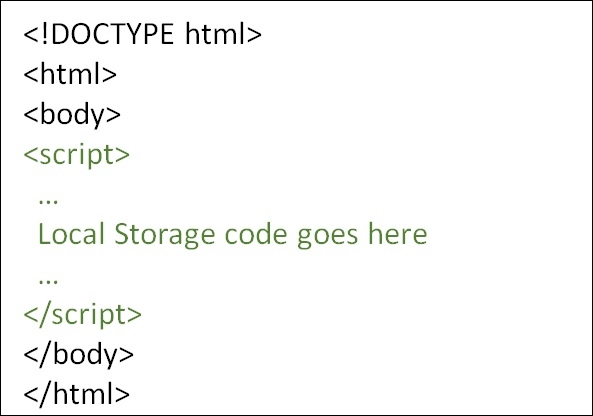
您可以尝试运行以下代码来设置本地存储变量,并在每次访问此页面时(甚至下次打开窗口时)访问该变量。
示例
<!DOCTYPE HTML>
<html>
   <body>
      <script type="text/javascript">
         if( localStorage.hits ){
            localStorage.hits = Number(localStorage.hits) +1;
         } else{
            localStorage.hits = 1;
         }
         document.write("Total Hits :" + localStorage.hits );
      </script>
      <p>Refresh the page to increase number of hits.</p>
      <p>Close the window and open it again and check the result.</p>
   </body>
</html>
相关文章
有用资源
html 参考教程 - 该教程包含有关 html 的更多信息:https://www.cainiaomax.com/html/

