
HTML base target 属性
htmlweb developmentfront end technology更新于 2025/8/20 7:08:17
<base> 元素的 target 属性用于设置文档中超链接的默认目标。
以下是语法 −
<base target="_blank|_self|_parent|_top| frame">
其中,_blank 用于在新窗口或选项卡中打开链接文档,_self 用于在被点击的框架中打开链接文档,_parent 用于在父框架中打开文档,_top 用于在整个窗口主体中打开链接文档,frame 用于在指定的框架中打开链接文档。
现在让我们看一个实现 <base> 元素 target 属性的示例 −
示例
<!DOCTYPE html> <html> <head> <base href="https://www.example.com/tutorials/" target="_blank"> </head> <body> <h2>Tutorials List</h2>(This will act as https://www.example.com/tutorials/java.html)
(This will act as https://www.example.com/tutorials/jquery.html)
(This will act as https://www.example.com/tutorials/blockchain.html)
(This will act as https://www.example.com/tutorials/python.html)
</body> </html>
这将产生以下输出。当您点击以下任何链接时,由于其设置为 _blank −,它将在新窗口中打开。
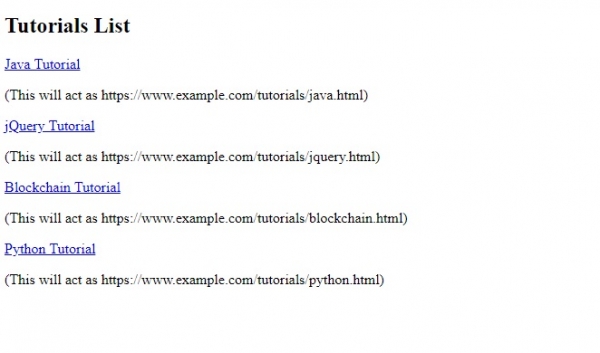
以上,我们已将基本网址设置为 −
<base href="https://www.example.com/tutorials/" target="_blank">
由于我们已将 <base> 元素的 target 属性设置为,因此所有网址现在都将在新窗口中打开 −
target="_blank"
相关文章
有用资源
html 参考教程 - 该教程包含有关 html 的更多信息:https://www.cainiaomax.com/html/

