
HTML DOM accessKey 属性
htmlweb developmentfront end technology更新于 2025/9/6 2:20:17
HTML DOM accessKey 属性用于设置元素的 accessKey 属性。然而,HTML 中的 accesskey 属性用于设置激活或聚焦元素的快捷键。
以下是设置 accessKey 属性 − 的语法
HTMLElementObject.accessKey = char
以上,char 是快捷键。
以下是返回 accessKey 属性 − 的语法
HTMLElementObject.accessKey
在 Windows 上,为不同的浏览器设置访问键 −
| Web 浏览器 | Windows |
|---|---|
| Safari | [Alt] + accesskey |
| Chrome | [Alt] + accesskey |
| Firefox | Alt] [Shift] + accesskey |
现在让我们看一个在 Windows 上的 Chrome 浏览器上实现 accesskey 属性的示例 −
示例
<!DOCTYPE html>
<html>
<body>
<a id="myid" accesskey="g" href="https://www.google.com/">Google</a>
<p>Get the accessKey</p>
<button onclick="display()">Click and display the accesskey</button>
<p id="pid"></p>
<script>
function display() {
   var a = document.getElementById("myid").accessKey;
      document.getElementById("pid").innerHTML = a;
   }
</script>
</body>
</html>
输出
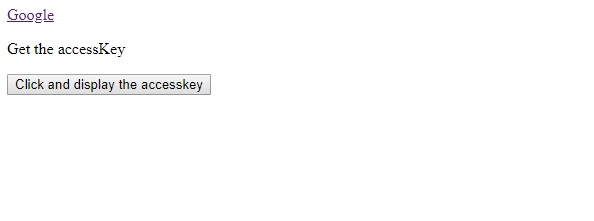
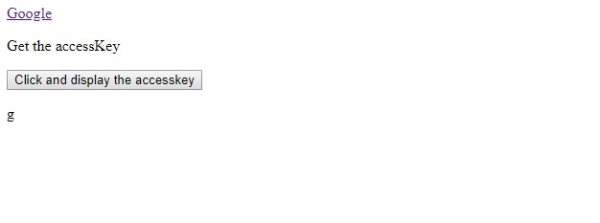
点击上面的按钮显示accessKey −
相关文章
有用资源
html 参考教程 - 该教程包含有关 html 的更多信息:https://www.cainiaomax.com/html/

