
HTML DOM Input Month 对象
htmlweb developmentfront end technology更新于 2025/7/2 15:08:17
HTML DOM Input Month 对象表示类型为"month"的 <input> 元素。
让我们创建 Input Month 对象 −
语法
以下是语法 −
var monthInput = document.createElement(“INPUT”);
monthInput.setAttribute(“type”,”month”);
属性
以下是 HTML DOM Input Month 对象的属性 −
| 属性 | 说明 |
|---|---|
| autocomplete | 返回并修改月份输入字段的 autocomplete 属性值。 |
| autofocus | 返回并修改页面加载时输入月份字段是否获得焦点。 |
| disabled | 返回并修改输入月份字段是否禁用。 |
| defaultValue | 返回并修改输入月份的默认值 |
| form | 返回HTML文档中包含输入月份字段的表单的引用。 |
| list | 返回包含输入月份字段的数据列表的引用。 |
| max | 返回并修改输入月份字段的max属性值。 |
| min | 返回并修改输入月份字段的min属性值。 |
| name | 返回并修改输入月份字段的name属性值。 |
| readOnly | 返回并修改输入月份字段是否只读。 |
| required | 返回并修改提交前是否必须填写月份字段 |
| step | 返回并修改输入月份字段的 set 属性值。 |
| type | 返回月份输入字段的 type 属性值。 |
| value | 返回并修改月份输入字段的 value 属性值。 |
方法
以下是 HTML DOM Input Month 对象的方法
| 方法 | 说明 |
|---|---|
| stepUp() | 将输入月份字段的值增加其指定的值参数。 |
| stepDown() | 它将输入月份字段的值减少其参数中指定的值。 |
示例
让我们看一个 HTML DOM Input Month 对象的示例 −
<!DOCTYPE html>
<html>
<head>
<style>
   body{
      text-align:center;
      background-color:#fff;
      color:#0197F6;
   }
   h1{
      color:#23CE6B;
   }
   .btn{
      background-color:#fff;
      border:1.5px dashed #0197F6;
      height:2rem;
      border-radius:2px;
      width:60%;
      margin:2rem auto;
      display:block;
      color:#0197F6;
      outline:none;
      cursor:pointer;
   }
</style>
</head>
<body>
<h1>DOM Input month Object Example</h1>
<button onclick="createMonthField()" class="btn">Create an input month field</button>
<script>
   function createMonthField() {
      var monthInput = document.createElement("INPUT");
      monthInput.setAttribute("type", "month");
      monthInput.setAttribute("value", "2019-07");
      document.body.appendChild(monthInput);
   }
</script>
</body>
</html>
输出
这将产生以下输出 −
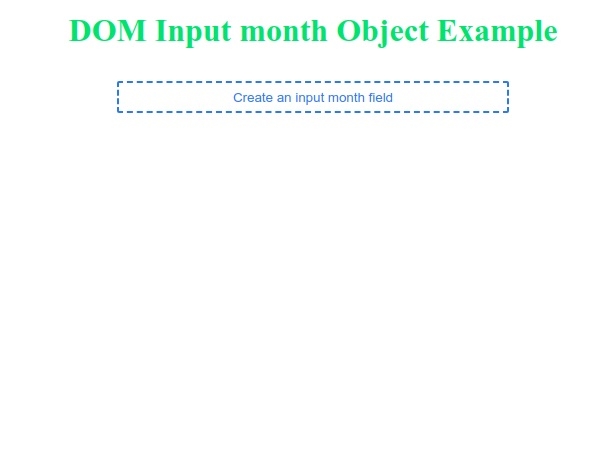
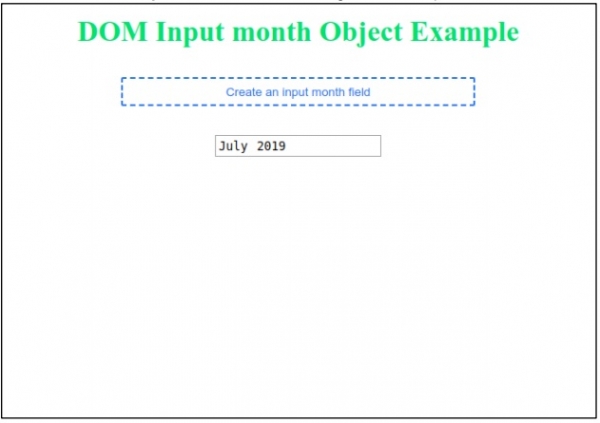
点击“创建输入月份字段”按钮来生成输入月份字段 −
相关文章
有用资源
html 参考教程 - 该教程包含有关 html 的更多信息:https://www.cainiaomax.com/html/

