
HTML DOM Input Text readOnly 属性
htmlweb developmentfront end technology更新于 2025/9/27 17:16:17
HTML DOM 输入文本 readOnly 属性用于设置或返回输入文本字段是否为只读。readOnly 属性使元素不可编辑,但仍可通过 Tab 键或点击获得焦点。如果只读元素中包含默认值,则在提交时会将其发送到服务器。
语法
以下是语法 −
设置 readOnly 属性 −
textObject.readOnly = true|false
此处,true 表示文本字段为只读,false 表示非只读。readOnly 属性默认设置为 false。
示例
让我们看一个 Input Text readOnly 属性的示例 −
<!DOCTYPE html>
<html>
<body>
<h1>Input Text readOnly property</h1>
USERNAME: <input type="text" id="USR" >
<p>Change the readOnly property of the above field by clicking the below button</p>
<button onclick="changeRead()">CHANGE</button>
<script>
   function changeRead() {
      document.getElementById("USR").readOnly = true;
   }
</script>
</body>
</html>
输出
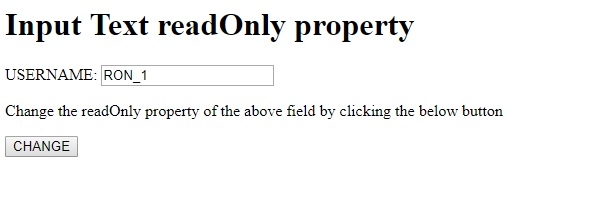
这将产生以下输出 −
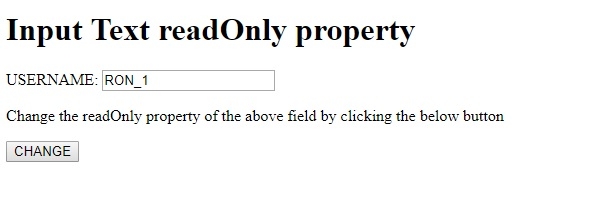
单击"更改"按钮后,您现在无法更改文本,它将在提交时提交到服务器 −
相关文章
有用资源
html 参考教程 - 该教程包含有关 html 的更多信息:https://www.cainiaomax.com/html/

