
HTML DOM 对象 Height 高度属性
htmlweb developmentfront end technology更新于 2025/9/2 16:12:17
HTML DOM 对象 Height 高度属性用于设置或返回对象的高度。此高度以像素为单位。
设置对象高度的语法如下:objObject.height
返回对象高度减去像素的语法如下:
objObject.height = 像素
以上,像素是设置的对象高度值。
现在让我们看一个实现 DOM 对象高度属性的示例 −
示例
<!DOCTYPE html>
<html>
<body>
<object id="newObj" width="580" height="200" data="https://www.cainiaomax.com/flex/samples/CSSApplication.swf" style="border:2px solid red"></object>
<p>Click to update the height.</p>
<button onclick="display()">Update Height</button>
<p id="myid"></p>
<script>
   function display() {
      document.getElementById("newObj").height = "350";
   }
</script>
</body>
</html>
输出
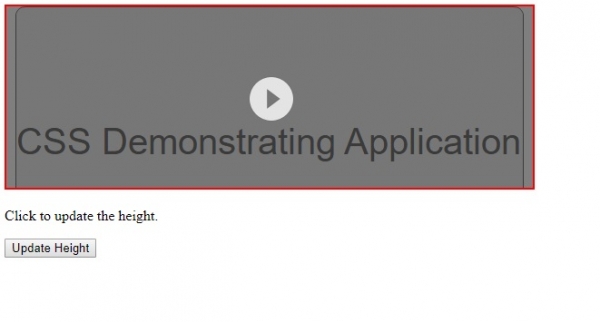
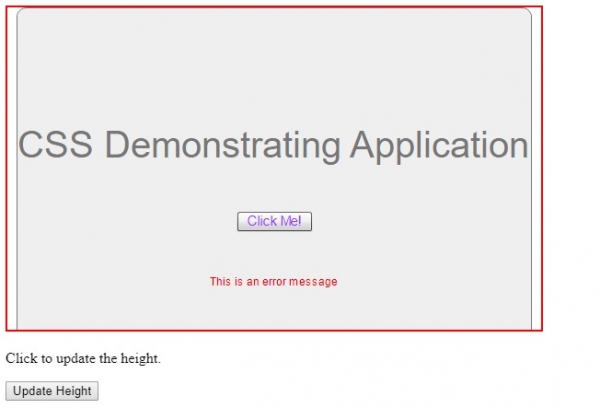
现在,点击"更新高度"按钮来更改高度 −
相关文章
有用资源
html 参考教程 - 该教程包含有关 html 的更多信息:https://www.cainiaomax.com/html/

