
HTML DOM Storage 事件
htmlweb developmentfront end technology更新于 2025/9/27 18:20:17
当窗口的存储区域发生变化时,会触发 HTML DOM Storage 事件。只有当另一个窗口更改了窗口的存储区域时,才会触发 Storage 事件。此事件不会冒泡,也可以取消。
语法
以下是语法 −
window.addEventListener("storage", SCRIPT);
示例
让我们看一个 Storage 事件的示例 −
<!DOCTYPE html>
<html>
<body>
<h1>Storage Event Example</h1>
<p>Create the visit localStorage item by clicking the below button</p>
<button onclick="CreateVisits()">CREATE</button>
<p id="Sample"></p>
<script>
   var y=1;
   window.addEventListener("storage", DisplayChange);
   function DisplayEvent(event) {
      document.getElementById("Sample").innerHTML = "The number of visits has been updated";
   }
   function CreateVisits() {
      y++;
      var x=window.open("","WINDOW_1","width=350,height=350");
      x.localStorage.setItem("VISITS",y);
      setTimeout(function () { x.close();}, 4000);
   }
</script>
</body>
</html>
输出
这将产生以下输出 −
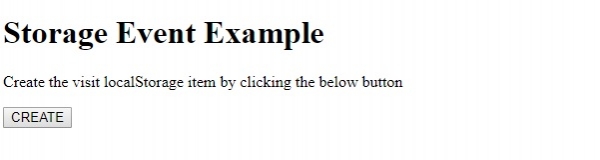
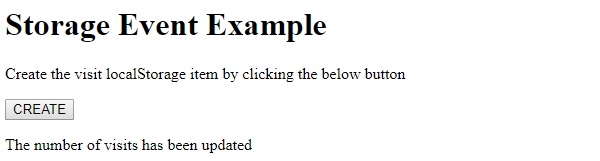
点击"检查"按钮 −
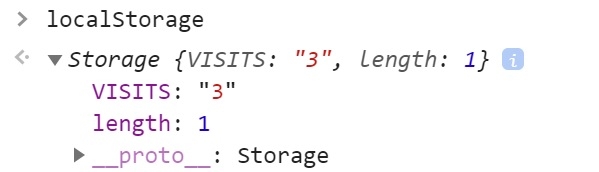
在开发者工具的控制台选项卡中输入 localstorage −
相关文章
有用资源
html 参考教程 - 该教程包含有关 html 的更多信息:https://www.cainiaomax.com/html/

