
CSS 中的竖排文本和横排字母
cssweb developmentfront end technology更新于 2024/5/16 6:36:17
通过指定 text-orientation: upright 和 writing-mode: Vertical-rl,我们可以用水平 CSS 显示竖排文本。
语法
CSS writing-mode 和 text-orientation 属性的语法如下 −
Selector {
   writing-mode: /*value*/
   text-orientation: /*value*/
}
示例
以下示例演示了 CSS outline-offset 属性。
<!DOCTYPE html>
<html>
   <head>
      <style>
         h4 {
            text-orientation: upright;
            writing-mode: vertical-rl;
            line-height: 3;
            box-shadow: inset 0 0 3px khaki;
         }
      </style>
   </head>
   <body>
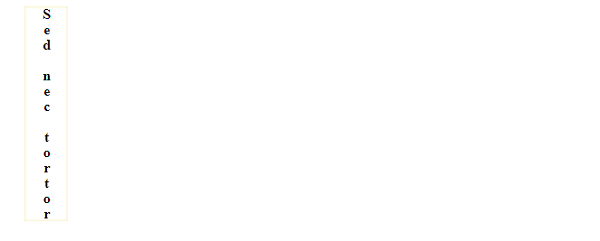
      <h4>Sed nec tortor</h4>
   </body>
</html>
这将给出以下输出
示例
<!DOCTYPE html>
<html>
   <head>
      <style>
         body {
            display: flex;
            flex: 1;
         }
         p {
            text-orientation: upright;
            writing-mode: vertical-rl;
            line-height: 3;
            box-shadow: inset 0 0 13px orange;
         }
      </style>
   </head>
   <body>
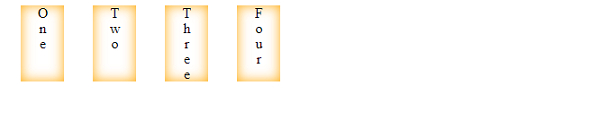
      <p>One</p>
      <p>Two</p>
      <p>Three</p>
      <p>Four</p>
   </body>
</html>
这将给出以下输出
相关文章
有用资源
css 参考教程 - 该教程包含有关 css 的更多信息:https://www.cainiaomax.com/css/

