
如何关闭 HTML 表单元素的拼写检查(语法校正)?
htmlweb developmentfront end technology更新于 2025/11/26 20:28:17
要关闭表单元素的拼写检查,代码如下−
示例
<!DOCTYPE html>
<html>
<head>
<h1>Disabling Spellcheck Example</h1>
<form>
<p>Your Name:</p>
<input type="text" name="fname" spellcheck="false">
<p>About Yourself</p>
<textarea name="about you" spellcheck="true"></textarea><br>
<input type="submit">
</form>
<h2>Type wrong spelling in the above input field to see spellcheck in action</h2>
</body>
</html>
输出
上述代码将产生以下输出 −
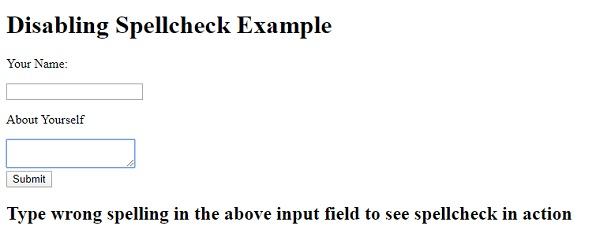
在输入字段中输入内容时 −
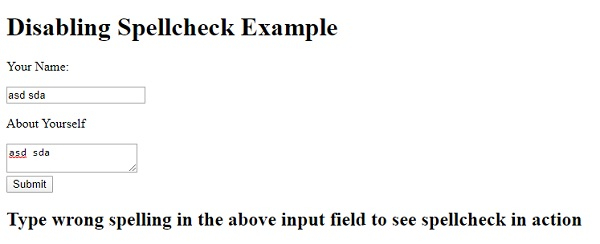
相关文章
有用资源
html 参考教程 - 该教程包含有关 html 的更多信息:https://www.cainiaomax.com/html/

